
You know the feeling. You open the dashboard with your first coffee, spot a column of red arrows and feel a small jolt of dread before you’ve read a single number.

It’s tempting to treat that data as a trigger. A keyword slips, and someone edits the page by lunch. We read it as a record, and often the record says to wait.
Checking every day also doesn’t mean Google reevaluates your page every day. A refresher on how rank tracking works helps here, because each check is a snapshot shaped by inputs outside your control: personalization, location, device and whatever Google happens to be testing that morning.
The useful part starts with the wobble, the day-to-day movement many dashboards smooth away.
TL;DR: The Short Version Before Your Next Rank Check
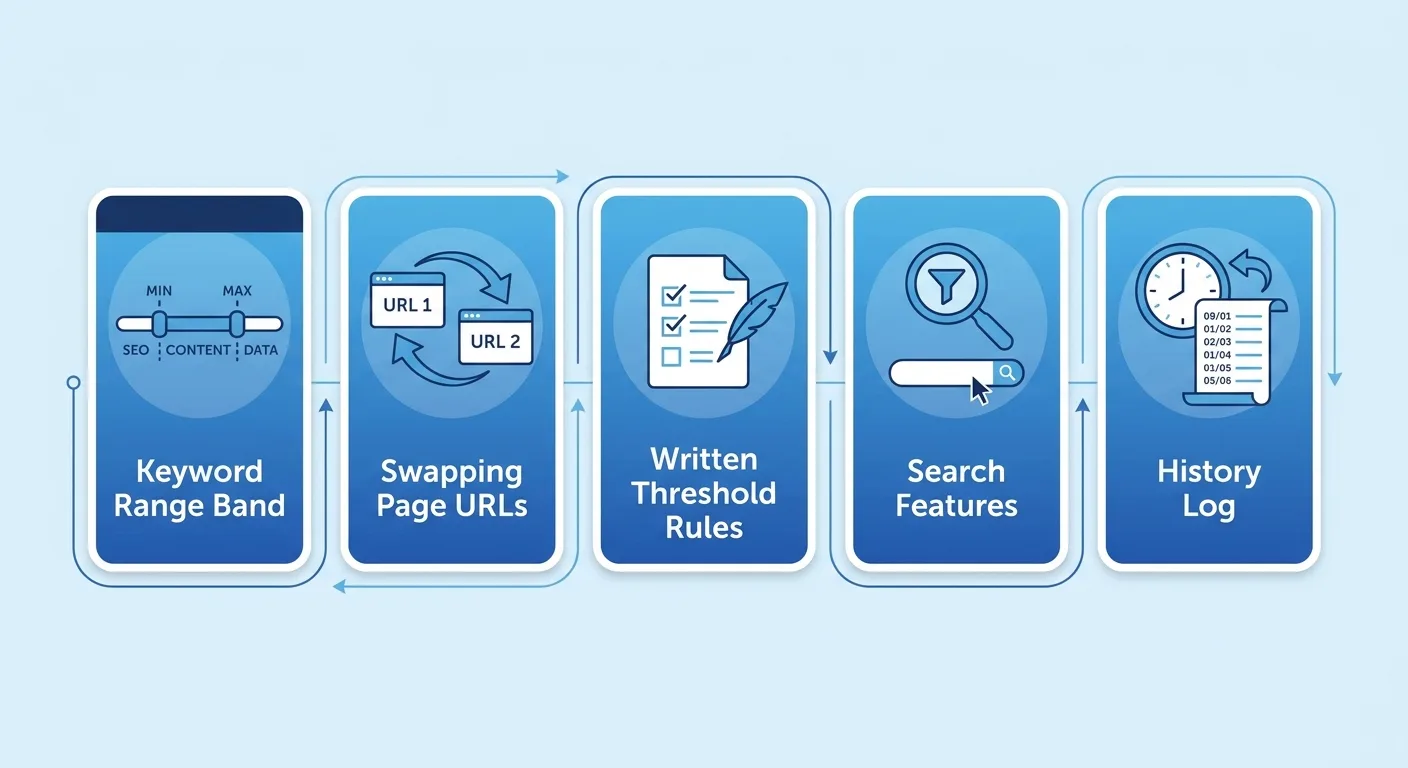
The Wobble Is the Data, So Quit Smoothing It Away
Check the default view in your own rank report. Guides to building automated SEO dashboards recommend a default of reporting on the most recent 7 complete days and comparing them to the prior 7-day period (Screpy). Those views look tidy, and they quietly flatten the day-level swings that make daily data worth paying for.
Pull that history back up and each keyword starts telling you about itself. Daily keyword rank tracking shows every term’s typical range. Some terms barely budge for months. Others leap five spots on a Tuesday and drift home by Friday.
Picture a keyword that sits between positions 4 and 7 on most days. A slide to 6 means nothing for that term. The same slide for a keyword that hasn’t left position 3 in a month deserves a look.
High volatility often suggests Google hasn’t settled which intent wins, so the SERP rotates guides, product pages and forum threads. We treat that as an opening, because the right page format can tip it.
Take a hypothetical online furniture store tracking “standing desk for small spaces” every day. The results rotate between buying guides, retailer category pages and forum threads over two weeks, and the store’s category page drifts in and out of the top five. Rewording the category copy would miss the point. The rotation says Google is still deciding what searchers want, so the store tests the format that holds the top spots most often: a compact-desk buying guide that links to the category page.
Low volatility at a weak position reads differently. A keyword parked at position 14 that never moves sits in a settled SERP. Small tweaks are unlikely to shift it. That page needs a real rework, or you need a different target query.
None of this works without a baseline for each keyword:
- Collect 14 to 30 days of history per keyword.
- Record the high, low and median position for that window. (The median works better than the average here, since one bad day can drag an average around.)
- Judge every future move against that keyword’s own band instead of a sitewide rule.
| Hypothetical keyword, 30 days | Position |
|---|---|
| Best day in the band | 4 |
| Worst day in the band | 7 |
| Median | 5 |
| Day 22 | 11 (outside the band) |
Hypothetical 30-day baseline.
Hold off on baselining newly published pages. searchenginejournal.com reports that Google says rankings for new content may fluctuate during the multiple weeks it can take to settle into the most appropriate position.
Bands also need upkeep. Refresh each one on a rolling window, such as the most recent 30 days, so it reflects how the keyword behaves now. After a deliberate change to the page or a confirmed shift in the SERP, start a fresh baseline instead of blending the old period with the new one. Read upward breakouts with the same size-and-duration logic you apply to drops. A one-day spike is noise. A sustained climb shows you what’s working.
Which of your keywords have you never seen hold still?
Position is only half of what daily rank tracking records. The column beside it often hides a bigger problem.
A Ranking URL That Keeps Swapping Is Your Cannibalization Signal
Rank reports headline the position and tuck the ranking URL into a narrow side column. We think that column deserves equal attention, because the daily history is where a swap becomes visible.
The pattern to watch for is one keyword whose ranking URL alternates between two of your own pages across days, with the position wobbling as they trade places. Here’s how it looks in an export:
| Date | Keyword | Position | Ranking URL |
|---|---|---|---|
| Day 1 | how to choose x | 5 | /blog/x-guide |
| Day 2 | how to choose x | 9 | /services/x |
| Day 3 | how to choose x | 6 | /blog/x-guide |
| Day 4 | how to choose x | 8 | /services/x |
| Day 5 | how to choose x | 5 | /blog/x-guide |
| Day 6 | how to choose x | 9 | /services/x |
| Day 7 | how to choose x | 6 | /blog/x-guide |
Hypothetical seven-day export.
Each swap suggests Google hasn’t settled on one page for the query. A weekly sample can land on the guide three times in a row and look perfectly clean. The full history from daily rank tracking catches every flip.
Two supporting signals help confirm it:
- Position dips on the days the secondary URL appears.
- Both URLs show impressions for the query in Google Search Console.
To check that second signal, open the Performance report in Google Search Console, filter to the exact query and switch to the Pages tab. Compare which URLs earned impressions against the tracker’s URL column for the same dates. When both pages collect impressions across overlapping days, the swap reading holds up.
Grouping your queries with keyword clustering tools makes it easier to see which of your pages chase the same intent, so you know where to look before a swap surfaces in the history.
One pattern to leave alone: two of your URLs ranking together on the same day. That’s a separate situation and usually harmless, so don’t flag it.
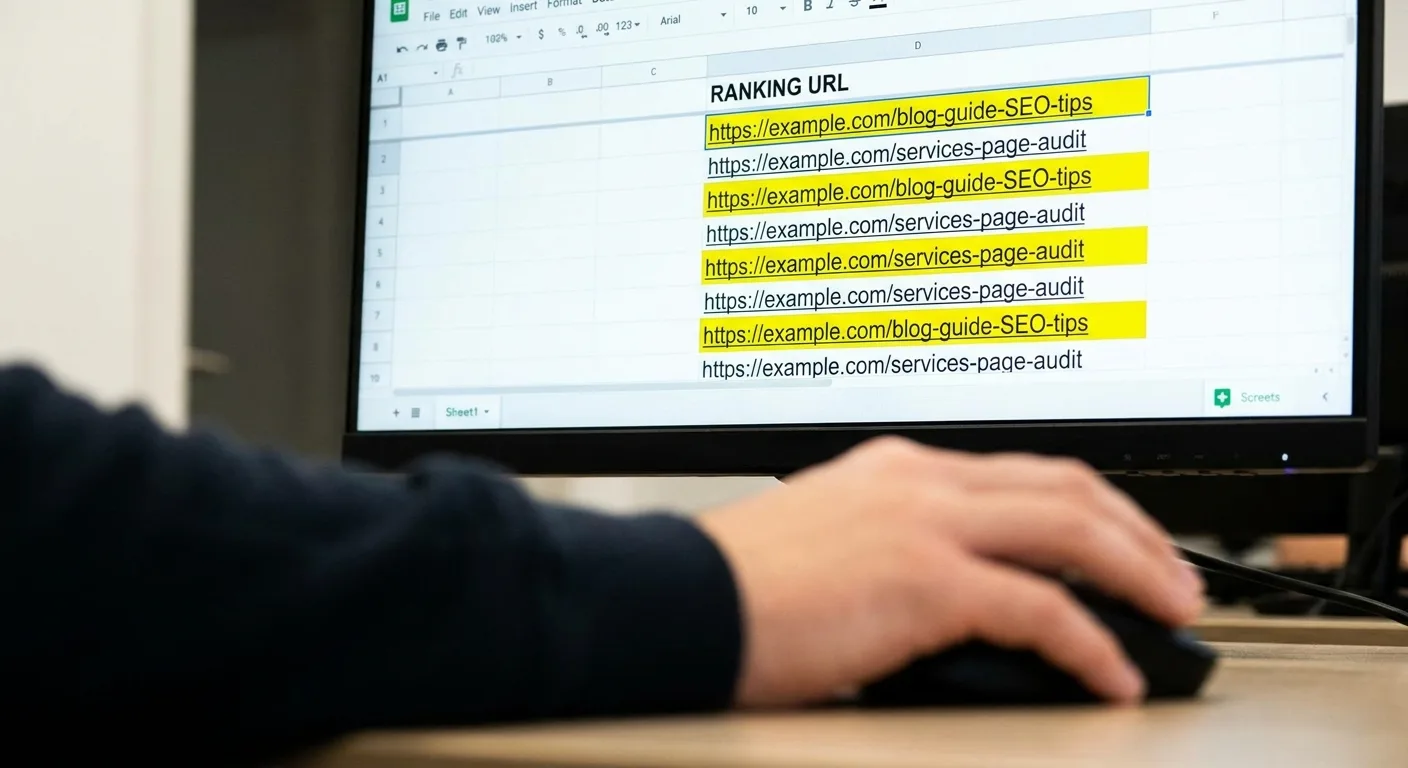
How many of your priority terms show two or more ranking URLs in the last 30 days?
Spotting the swap is the easy half. Which page should own the query?
Settling the Swap Once You’ve Spotted It
Intent decides ownership. An informational query belongs to the page that teaches, and a transactional query belongs to the page that sells.
Pick one fix that suits the situation:
- Merge the pages and 301 the weaker one into the owner.
- Re-scope the secondary page toward a neighboring query.
- Point internal anchor text at the owner. Larger sites can use automated internal linking to update those anchors in one pass instead of page by page.
- Adjust the secondary page’s title and headings so they stop targeting the term.
Give the URL column two to four weeks of watching. Expect a messy stretch first, since the alternation can get noisier for a few days before it settles.
Sometimes both pages deserve to exist. The alternation can reflect split intent, where part of the audience wants one thing and part wants another. Sharpen each page’s angle and keep both.
A hypothetical software consultancy, for example, sees its “CRM data migration” service page and its CRM migration checklist trading the ranking URL for “CRM migration.” Some searchers want to hire help, and others want to run the migration in-house. Merging would drop one of those audiences. So the consultancy keeps both pages, retitles the service page around hiring a migration partner and retitles the checklist around a do-it-yourself plan. The checklist then links to the service page for readers who decide they want help after all.

Response Rules You Write Before Anything Drops
Fixing one swap feels great. Editing pages after every dip is how teams lose the thread. Overlapping changes blur which edit did what, and hours disappear into rewrites nobody needed.
We set rules along three dimensions, and daily rank tracking supplies the evidence for each one:
- Size: how far the move goes relative to the keyword’s own band.
- Duration: how many days it lasts.
- Breadth: whether it hits one keyword, one cluster or the whole site.
The rulebook we start from:
| Signal | What it usually points to | First move | Wait window |
|---|---|---|---|
| One keyword outside its range for one or two days | Routine SERP testing or noise | Note it in the change log and leave the page alone | Recheck after one week |
| One keyword outside its range for seven or more days | A real shift in how Google ranks the page for that query | Compare the current results page with what ranked before and review intent match | Judge any fix after two to four weeks |
| A whole cluster slipping together | A topic-level shift, a weakened hub page or lost internal links | Review the cluster’s hub page and internal links before editing single pages | One week of history before edits |
| Ranking URL alternating between two of your pages | Cannibalization | Pick the owner page and apply one fix from the swap subsection | Two to four weeks after the fix |
| Unrelated clusters dropping the same day | An algorithm update or a technical fault | Check crawling, indexing, robots rules and server errors first | Fix technical faults immediately; hold content edits for about two weeks |
| Position steady while clicks fall | A change on the results page itself | Inspect the live results page and Search Console data | Covered in the next section |
Wait windows are suggested starting defaults, not findings from a study.
To see the rules at work, go back to the baseline table. Day 22’s reading of 11 sits outside that keyword’s 4 to 7 band, but it’s a single day. It goes in the change log, the page stays untouched and you recheck in a week. If the keyword is still outside its band after seven or more days, compare the current results page with what ranked before and check whether your page still matches the intent.
When a whole cluster slips, compare the cluster’s median position with each member’s own band. If most members sit outside their bands, the shift is topic-level. If only one or two do, handle them as single-keyword moves. Then look for edits to the hub page or its internal links during the same window. When unrelated clusters drop on the same day, a sample SEO audit report works as a quick checklist for the technical checks in that row.
A change log keeps all of this readable months later. Dated entries let you see whether a fix worked or whether the keyword wandered back inside its band on its own, and they turn the cluster check above into a quick lookup. Match each entry’s date against the daily position history:
Change Log Entry
Date of change:
Page URL:
What changed: (title, headings, body copy, internal links, redirect, technical fix)
Keywords or cluster expected to move:
Reason for the change: (which response rule triggered it)
Other changes live in the same window:
Check-back date:
Result at check-back:
Written rules also help on the mornings a client or boss pings you about a red arrow before you’ve opened the report. An agreed rule gives you a calm answer that doesn’t depend on how you feel at 8 a.m.
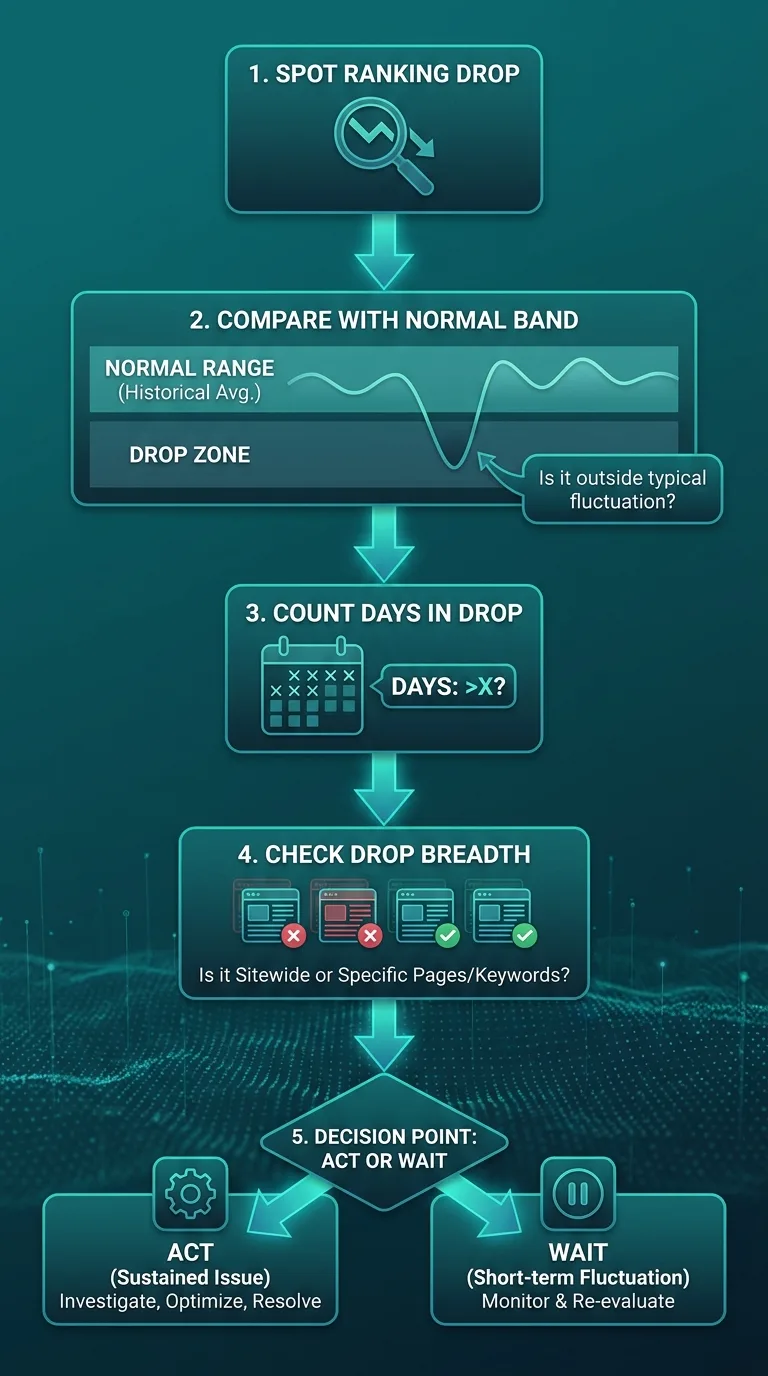
Treat these thresholds as starting points. Tighten them for pages tied to revenue or leads, where a week of waiting has a real cost. Loosen them for long-tail content that wanders around without consequence.
What a Position Earns Depends on Everything Around It
When position holds but clicks fall, look at what now sits around your slot.
Imagine a hypothetical page holding position 2 beneath an AI answer, a People Also Ask block and a video row. A searcher on a phone has to scroll past three features to reach it, and few bother.
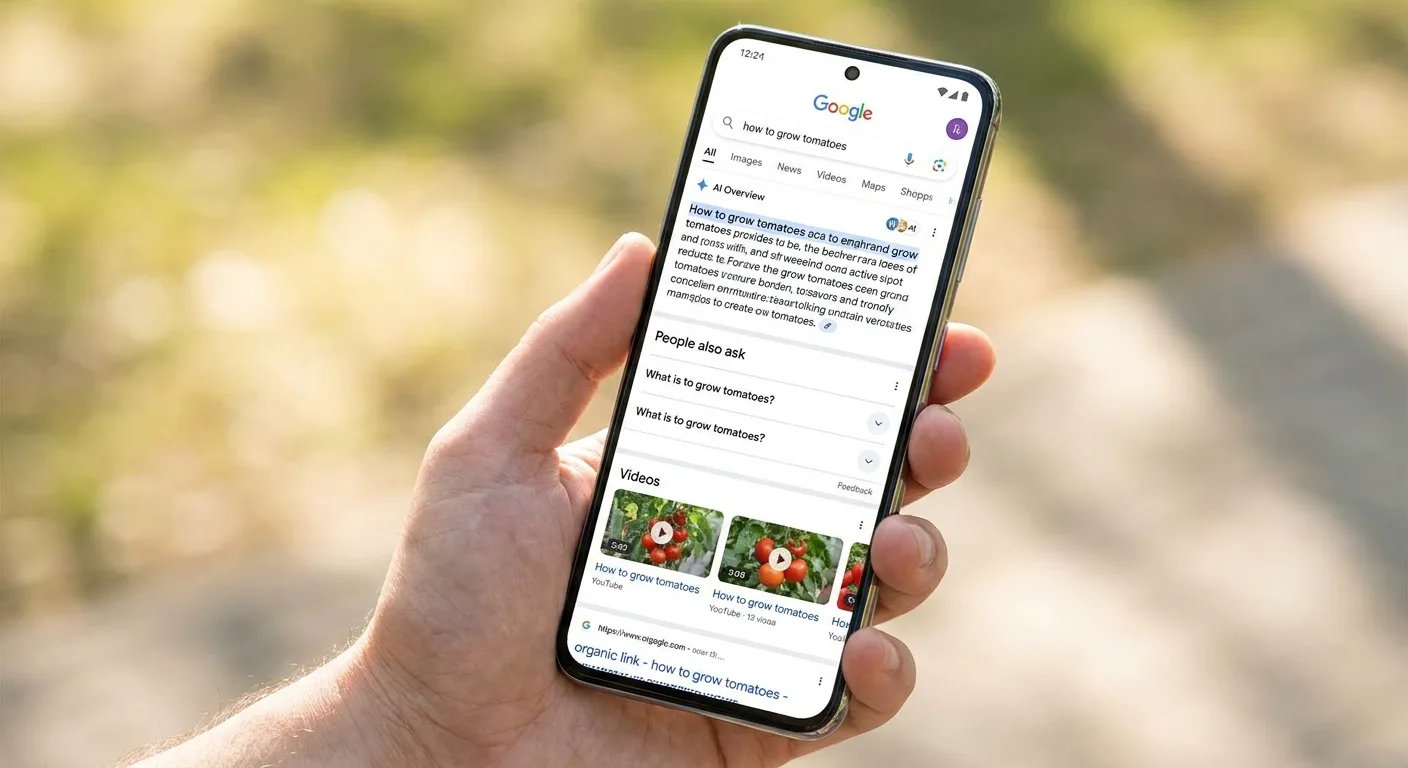
Log which SERP features appear for each priority keyword every day, and whether you hold any of them. That feature log works as a companion to daily rank tracking: the position tells you where you sit, and the log tells you what sits above you. One short entry per keyword per day covers it:
Feature Log Entry
Date:
Keyword:
Device:
Location:
Features above your result:
Features you hold:
AI answer present: (yes/no)
Your page cited in the AI answer: (yes/no)
Kept consistently, the log shows the day a new block arrived, which you can then line up against the day your clicks started to slide.
AI answers deserve their own line in that log. Watch whether your page gets cited inside Google’s AI Overviews or ChatGPT responses. Tracking your visibility inside AI answers matters because a citation can shift what readers see while the blue-link position stays flat.
Pair daily ranks with impressions and clicks, the SEO KPIs beyond position that show what a slot earns. Search Console’s Performance report typically runs 2–4 days behind, so align dates carefully before matching the two (GSC Wizard).
Two mismatches tell you a lot:
- Rank flat, impressions flat, clicks down: something changed on the results page itself.
- Rank up, clicks flat: the page moved into a slot with little visibility.
Segment by device as well. Mobile results carry features that don’t exist on desktop, such as app packs that insert a block mid-page and push organic results below it, so a desktop-only view can hide the very block absorbing your clicks (Nightwatch).
When did you last look at the results page itself for your top term?
Picking Software That Keeps the Whole Daily History
Every technique in this guide collapses if your tool keeps only today’s number. The best daily rank tracking tools for this approach store every day’s position and ranking URL for each keyword, then let you get that history back out. Here’s what we check:
- Full daily history with the ranking URL for each day, exportable.
- Location and device settings at the level your audience searches: city, country or mobile.
- SERP feature capture, including whether an AI answer appears and whether you’re cited in it.
- Tags or groups by cluster, so breadth thresholds work.
- Custom alerts tied to each keyword’s own range instead of one flat drop rule. The alert should fire when a keyword stays outside its band for a set number of consecutive days, matching your duration rule, rather than on a single-day dip.
- An API or connector that joins rankings with Search Console and analytics.
- Pricing per keyword check that fits the set you need daily.
A hypothetical heating and cooling company serving one metro area shows why location and device settings matter. It tracks “furnace repair” at country level, so its positions reflect national results its customers never see. Its baselines and alerts end up describing the wrong SERP. Switching to city-level, mobile checks gives it positions that match the people who call, and every threshold in its response rules starts meaning something.

Tracking everything daily inflates both your bill and your noise. Keep the priority set daily and move the long tail to weekly. Ready to compare rank tracking tools side by side? Use these criteria as your scorecard rather than each vendor’s feature list.
A Two-Week Trial Run With Your Own Keywords
A short trial with your own keywords exposes the real differences:
- Load 20 to 30 priority keywords, including one you suspect has a URL swap and one sitting in a volatile SERP.
- Set location and device to match your real audience.
- Export the full history on day 14 and confirm every day includes the ranking URL.
- Set one custom alert from your response rules and check that it fires only when it should.
- Spot-check a few positions against Search Console average position for the same dates.
Expect gaps on step five. Search Console averages impressions across locations, devices and days, while the tracker shows the rank from one check for a set location and device (promopilot.link). Big, consistent gaps deserve a question to the vendor.
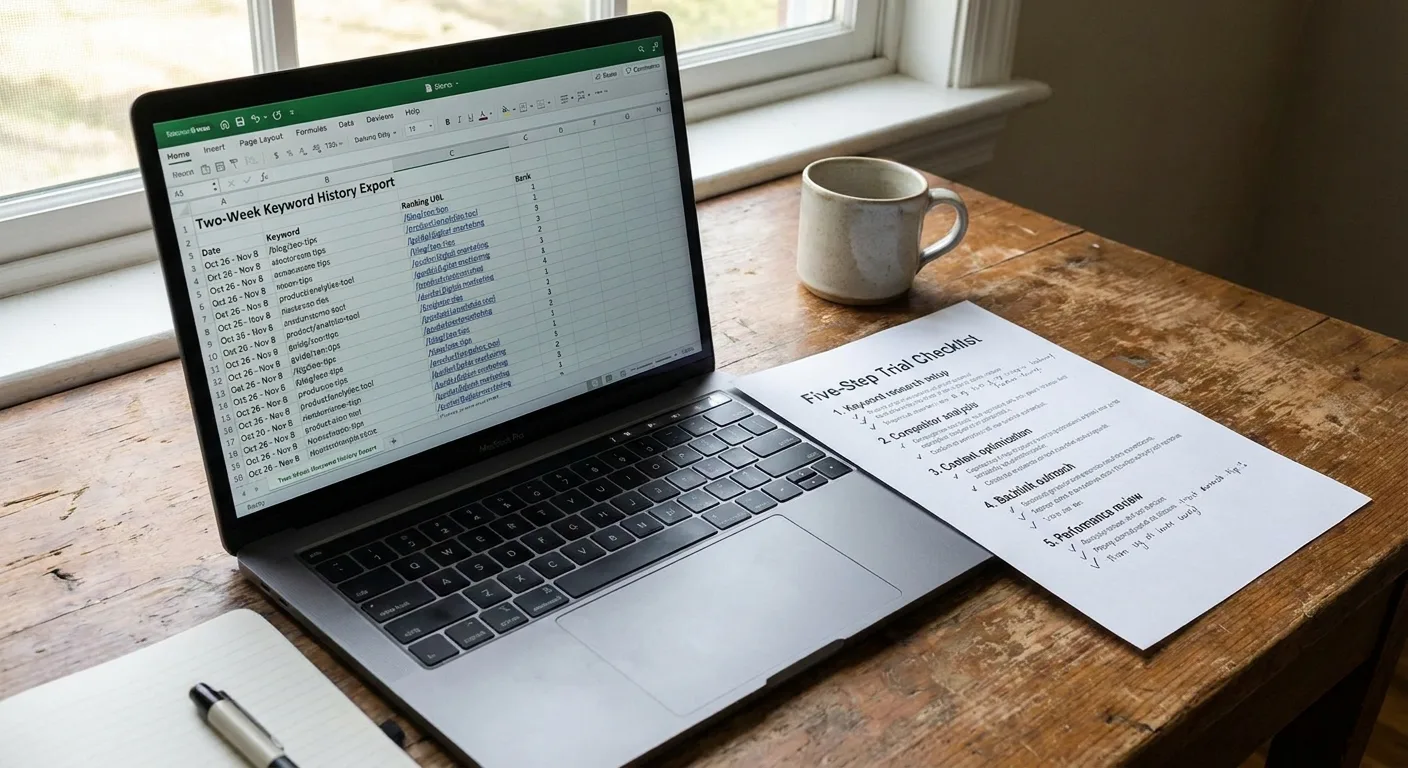
The best daily rank tracking software for this method is whichever tool passes all five steps with your data. Even then, rankings usually sit apart from clicks and revenue.
When Rankings, Clicks and Revenue Sit in Separate Tabs
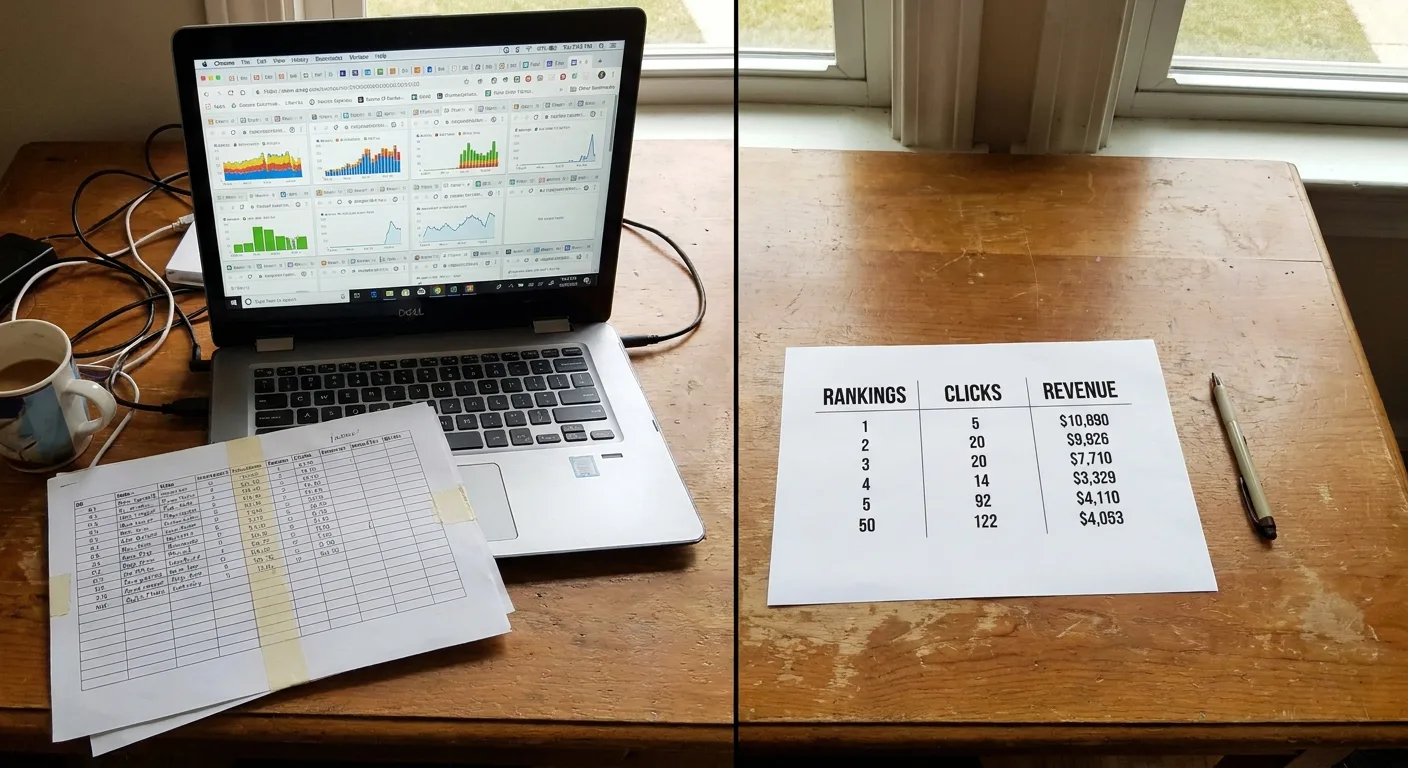
This setup is common. Daily ranks live in one tab, impressions in Search Console and revenue in analytics. Answering “did that drop cost us anything?” turns into a round of copy-paste and a fragile spreadsheet join.
You can make that join sturdier by hand. Export your daily rank tracking history alongside Search Console query-and-page data, then join the two on date, query and URL. Compare weekly windows rather than single days, so the Search Console reporting delay doesn’t misalign the numbers. Add revenue from analytics at the page level, and keep the change log beside it so every movement has context.
Vee3.ai is built for SEO automation from crawl to rank: crawl, research, plan, write, fact-check, publish and measure. Measurement is part of that sequence, so the reading habits in this guide have a place next to the work that produces your rankings in the first place.
To bring your rank reading into the rest of your SEO process, start building in Vee3.ai.
Frequently Asked Questions About Daily Rank Tracking
Why do two rank trackers show different positions for the same keyword?
Trackers can differ because location, device, timing and the way a tool counts search features can all affect the reported result (nathanojaokomo.com). Both numbers can be accurate for their own settings, since location precision varies from city to country and some tools count features as positions while others skip them. Match those settings across tools before comparing, and trust consistent trends over any single value.
Can checking rankings every day hurt my site?
No. Rank trackers regularly query search engine results pages to record where your URLs appear, rather than crawling your site (dageno.ai). The real downside is behavioral: a fresh number every morning tempts you to react, which is why written thresholds matter.
Is daily rank tracking worth it for a small site?
Yes for a focused set of terms, and usually no for the full keyword list. Daily checks pay off most for new pages, pages tied to revenue and terms where you suspect a URL swap. Stable long-tail terms rarely change enough to justify the attention, so weekly checks cover them well and keep your reports readable.
Where to Start This Week
The shift we’d ask you to make with daily rank tracking is simple: treat the daily number as evidence to read, not an order to act.
Three steps get you started:
- Baseline 14 to 30 days of history for your priority terms.
- Write your thresholds down before the next dip arrives.
- Scan the ranking URL column for swaps.
Your current export is enough to begin.
Most red arrows deserve a calm look. A few deserve your full attention. The history you already collect tells you which is which.