
The manual routine goes like this. You type the keyword into YouTube’s search bar, scroll until the video shows up and write down a single position. That one number then stands in for how the video is doing. It’s a reasonable habit, and it leaves a lot of video search visibility unmeasured.
How many places did your last upload rank that nobody checked?
Rank numbers also shift between checks, which makes the routine feel shaky; a later section explains why.
A video gets found on several results pages. Your readings should reflect that.

TL;DR
Every Results Page Your Video Can Appear On
Each results page runs on its own ranking logic, so decide first which ones to watch.
YouTube search. This is the familiar one. On YouTube’s All tab, Shorts appear as shelf cards showing only a title, views and a thumbnail (Apify), which makes any single ranking position a slippery idea, and the next section untangles it.
Google search. Videos appear in mixed web results and in video-focused results, each ordered by Google’s own criteria.
AI-generated answers. An AI answer citing your video or its page is a check worth adding, and our guide to measuring AI visibility shows what a citation looks like in practice.
Your own embed page. A blog post or landing page carrying the video can rank in Google independently, and the visitor stays on your site.
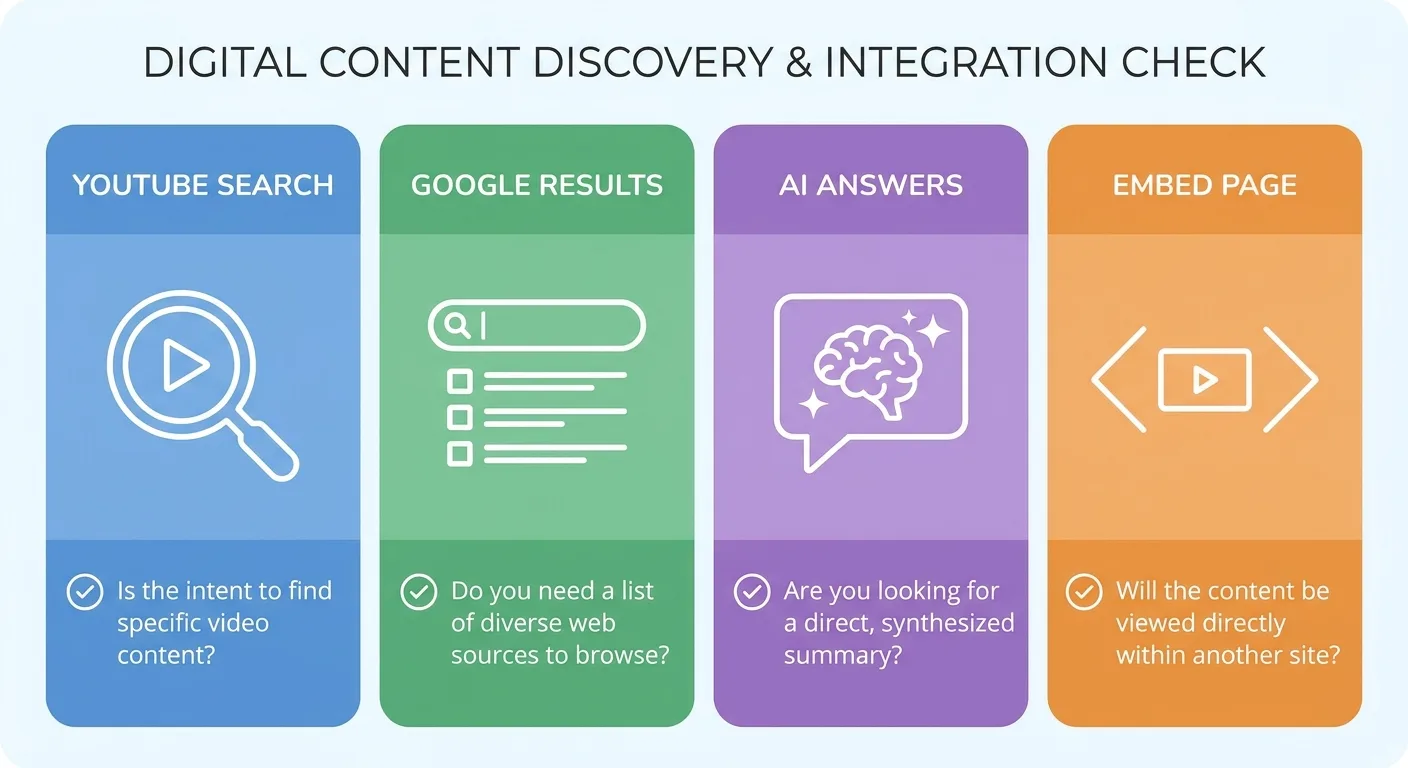
Picture a home-repair company that publishes a YouTube tutorial on bleeding a radiator and embeds it in a matching blog post. The single query “how to bleed a radiator” can surface the video in YouTube search, the video in Google, the post in Google’s web results and an AI answer citing either one. A tracker watching only YouTube’s search bar sees one outcome and misses the post sending visitors to the booking page.
Browse traffic comes from YouTube pushing your video to people who were not searching for it, so it sits outside query-based tracking (Monitor YT). Watch them in YouTube Studio.
Which of these surfaces do your viewers use? Point your YouTube rank tracking at those and skip the rest; tracking all four for every upload produces a spreadsheet nobody opens.
The Trouble With Reading One Position on One Screen
Two people search the same phrase. One sees your video third, and the other has to scroll for it. Annoying, sure, and also exactly how the platform is built to behave.
Several variables shape what any one person sees:
- Signed-in watch history and subscriptions
- Country and language settings
- Device type
- Time of the check
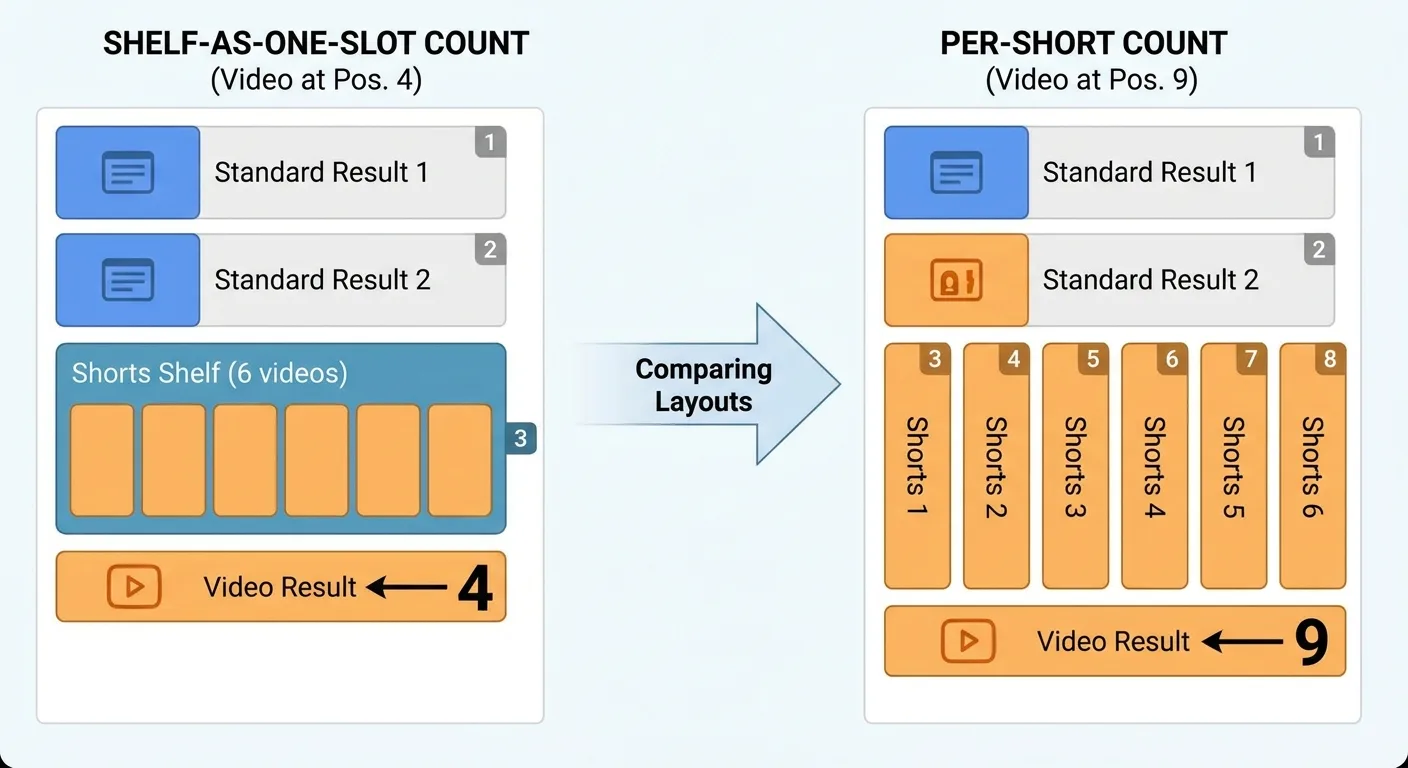
Layout adds another wrinkle. Shorts shelves, channel cards and grouped modules sit between standard results, so does a shelf count as one position or several? Pick one counting rule for your YouTube rank tracking and keep it.
A baking channel tracking “sourdough starter for beginners” sees two standard results, then a shelf of six Shorts, then its own video. Count the shelf as one slot and the log records position 4. Count each Short and it records position 9. Both rules hold up. Switching between them mid-log invents a five-place movement that never happened.
None of this makes personalized results wrong. A subscriber seeing your video near the top tells you something real about your audience. A keyword position from a clean session is a stable reference point, the same baseline logic behind our rank tracking guides for website pages.
So how do you get that reference point?
Taking a Reading You Can Trust
YouTube rank tracking only supports week-over-week comparison when every reading follows the same steps, so run this sequence each time:
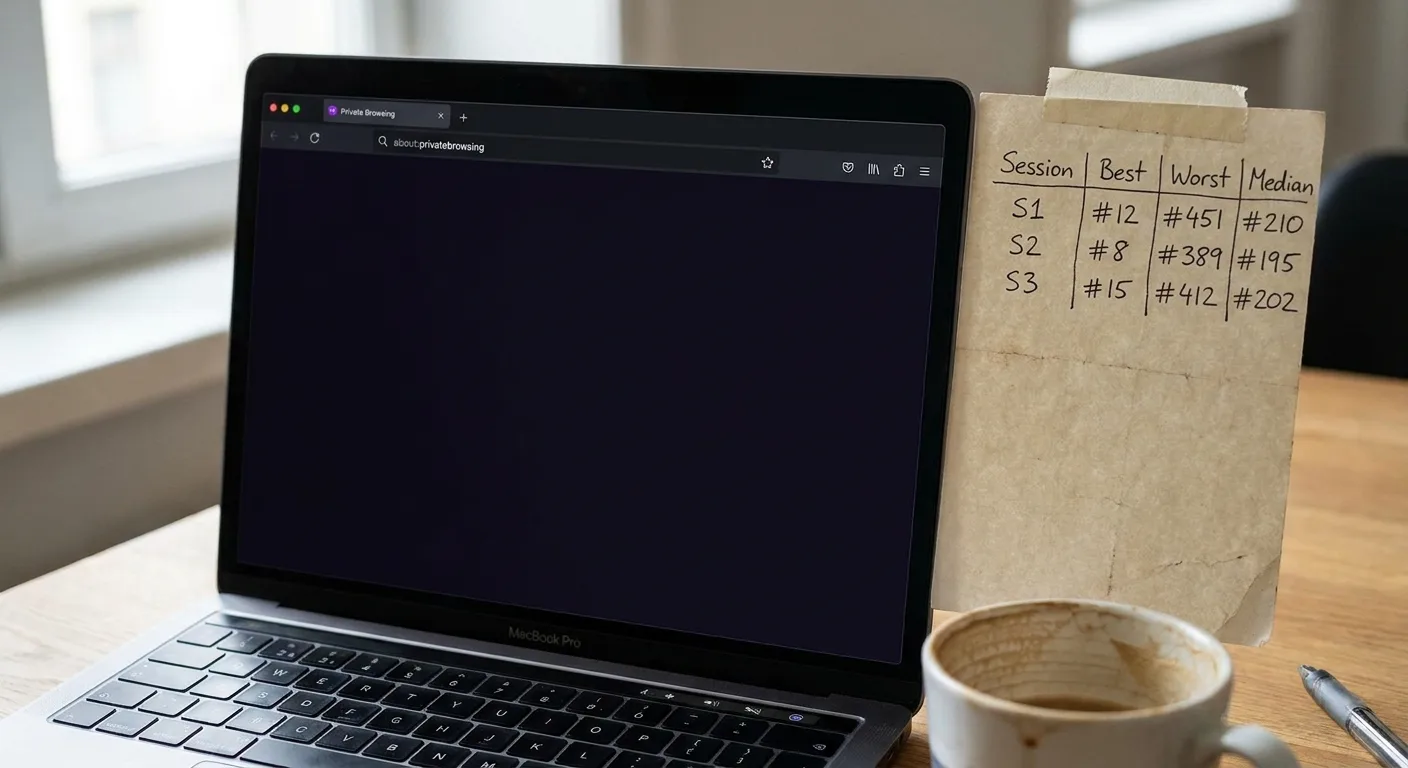
- Open a signed-out private window or a dedicated clean profile.
- Fix the country and language settings and the device type, then note them.
- Run the query in three separate sessions (a working default you can adjust).
- Record the best position, the worst position and the median, applying your counting rule.
- Screenshot the results page whenever something looks unusual.
Confirm which location and language any third-party rank checker queries, too. A tool set to another market produces confident-looking but irrelevant numbers, and our explainer on how rank tracking tools work covers which settings to confirm first.
Picking Queries That Deserve a Weekly Check
The most honest starting list for YouTube rank tracking already sits in YouTube Studio. Its traffic-source reporting shows the YouTube search terms viewers searched when they found your content (YouTube Help Center), which means real people typed those phrases.
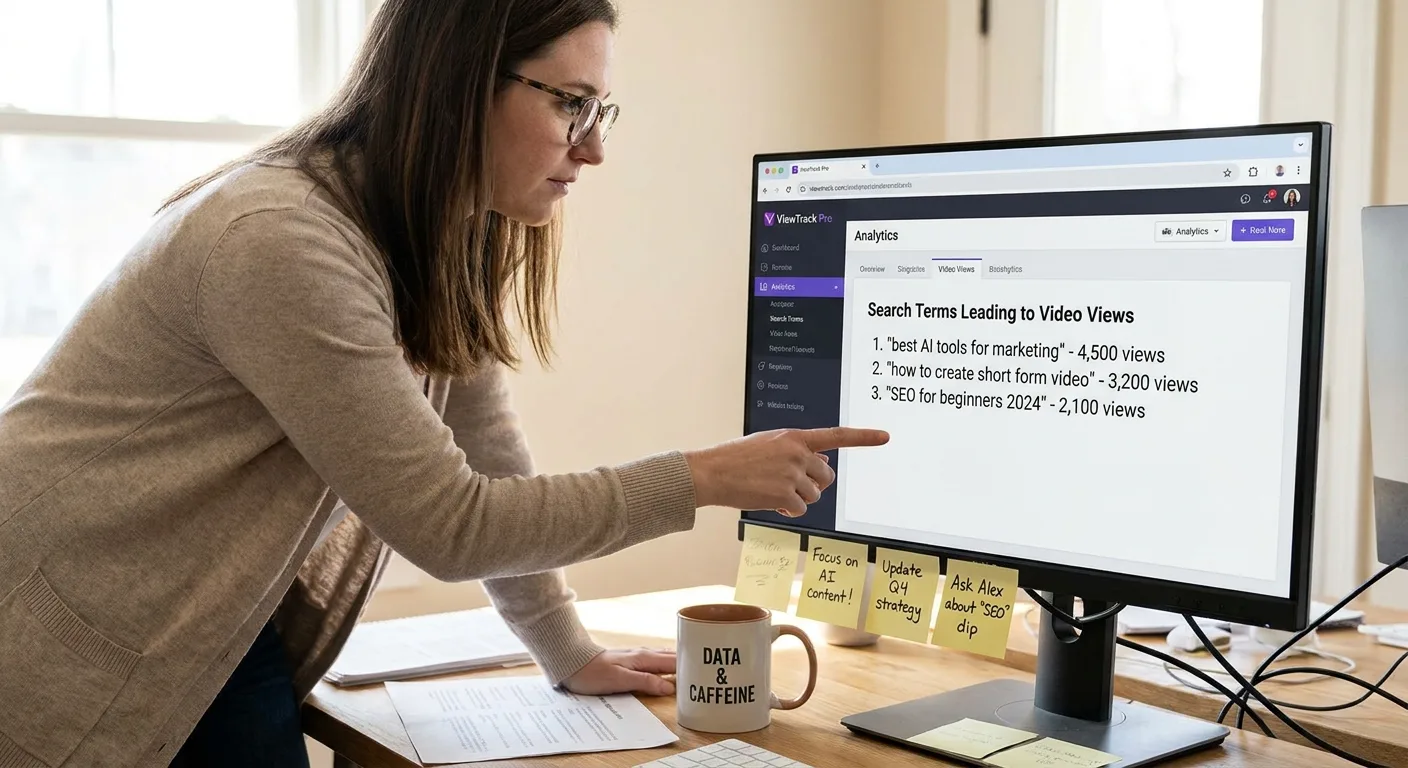
That report has a blind spot. It lists queries that already worked and stays silent about the ones your video never surfaced for. Add two or three deliberate target queries, picked the same way you’d approach choosing keywords with clear intent for a web page.
Cap each video at roughly five to eight queries. That’s a working default, not a rule, and it keeps the log readable.
Copy this block once per candidate; its last question does most of the pruning:
Query shortlist:
- Query:
- Source: Studio search term / deliberate target query / tag-generator candidate
- Do the results match the video’s intent? Yes / No
- Is it a near-duplicate of a query already tracked? Yes / No
- Would I change the video if this query moved? Yes / No
- Decision: Track / Cut
Plenty of shortlists, though, begin somewhere else entirely.
Where a YouTube Rank Tag Generator Earns Its Keep
A YouTube rank tag generator produces lists of tags and phrases related to a topic, usually in seconds and usually in bulk.
Here’s our view, and it’s an opinion, not a platform fact: we don’t treat tags as the reason a video ranks. We treat generator output as a pile of candidate queries waiting to be tested.
Collapse near-duplicate tag ideas first, and grouping candidates with clustering tools can speed that up. Then search each survivor with the clean method, check whether the results match your video’s intent and move the passing ones into the shortlist template.
Our optimization effort goes into titles, descriptions and the words spoken on camera. Those are the places where a viewer reads or hears what the video covers.
The Weekly Log That Turns Scattered Readings Into a Trend
How often should you check? Our YouTube rank tracking cadence depends on a video’s age:
- First couple of weeks after upload: readings every few days
- Established videos: weekly readings
- Long-running evergreen videos: monthly readings
By hand or through a rank checker, each reading gets one row:
| Field | What to record | Why it matters |
|---|---|---|
| Date | Day the reading was taken | Lines readings up with edits and Studio data |
| Query | The exact phrase searched | Keeps each trend tied to one search |
| Surface | YouTube search, Google, AI answer or embed page | Shows where movement actually happens |
| Region and language | Country and language settings used | Keeps readings comparable week to week |
| Session type | Signed-out window or clean profile | Separates baseline readings from personalized ones |
| Counting rule | Shelf counted as one slot, or each item counted | Keeps positions comparable across weeks |
| Position range and median | Best, worst and median under your counting rule | Captures personalization as a range |
| Search views from Studio | YouTube search views for the query that week | Separates demand changes from position changes |
| Edits made this week | Title, thumbnail, description or new embed changes | Ties movement to a cause |
Fill in the edits row the same week each change happens. Match the Studio date range to the same log week.
Read the trend as a four-week rolling median. One strange week then nudges the line slightly and stops dictating your decisions. Start the median once four weekly readings exist, and keep early every-few-days readings out of it.
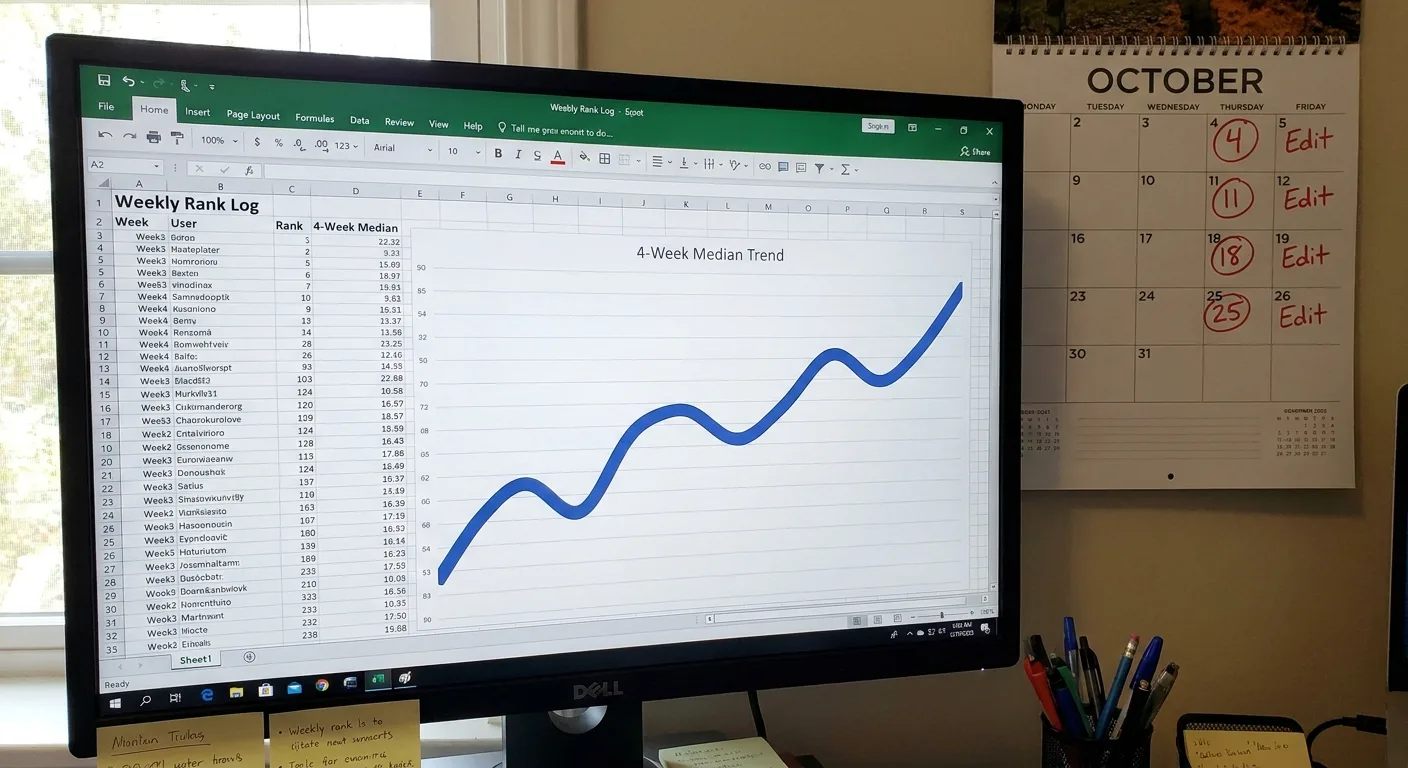
Logging is tedious at first. For the site-side rows, our guide to automating your SEO reporting cuts some of the manual pulls.
Can you say what changed the week your top video moved? The log exists so the answer is yes.
Reading a Ranking Drop Before You Touch the Title
Watching a top video slip stings, and the urge to rewrite its title that same afternoon is hard to fight. A ranking drop has several possible causes, though, and each one calls for a different fix.
Position, demand and click appeal need separate checks, a split we also apply to the SEO KPIs worth watching on any web page, so work through them in this order:
| Step | Check | If you see this | It points to | Next move |
|---|---|---|---|---|
| 1 | All clean sessions and the median | Lower positions across every session and the median | A real position change | Confirm with a second reading |
| 2 | Studio search views for the query | Views down while position holds | Demand or click appeal | Review the thumbnail and title |
| 3 | The results layout | A new shelf or module above the video | A layout shift, not lost rank | Record it under your counting rule |
| 4 | Other surfaces in the log | A drop on one surface, stability elsewhere | A cause specific to that surface | Investigate that surface first |
Once a second reading confirms the drop, change one element, record it in the edits column and give it a few weeks to show up in the median.
Some drops have nothing to do with the video itself. A query’s intent can drift toward recent content, and the right response may be a fresh video, with the existing one left alone.
A tech channel’s review of a specific smartphone holds a top spot for “[model] review” for months. Then the manufacturer releases a successor, and results for that query fill with reviews and comparisons of the new phone. The video slides in every clean session while its Studio views fall in step. No title rewrite makes an old review match what searchers now want; a fresh review of the new model serves the query’s current intent.
Keeping Tabs on the Pages That Carry Your Videos
Embed pages create a reporting gap. The embed page’s clicks sit in one report, its sessions in another and its AI citations nowhere at all, so the fourth surface from earlier goes untracked.
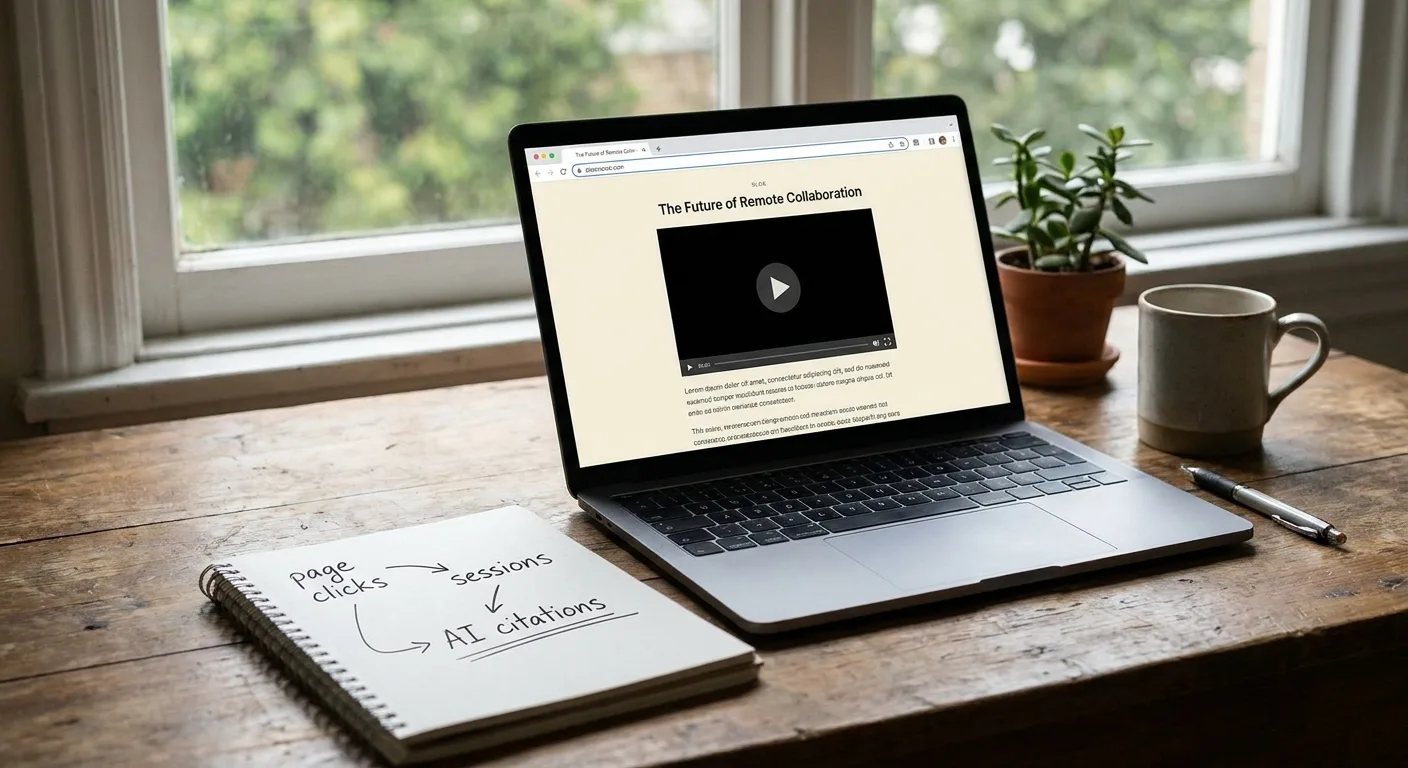
Vee3.ai covers that side with SEO automation from crawl to rank. It brings crawl, research, planning, writing, fact-checking, publishing and measurement into one workspace built for AI search. We don’t track positions inside YouTube search, so those readings stay in your YouTube routine. Start building to measure your embed pages alongside the rest of your SEO work.
Frequently Asked Questions
Can YouTube Studio handle rank tracking on its own?
YouTube Studio covers part of the job, but it can’t track rank on its own. Its YouTube search report shows the terms viewers searched when they found your content, the natural source for your query list (YouTube Help). It shows attributed traffic rather than a universal average ranking position, since search order can vary by viewer history, location, language and freshness (creatoressentials.com). Pair its search-term data with the clean-reading method above and your YouTube rank tracking covers both demand and position.
Do tags still affect where a video ranks?
We don’t rely on tags for ranking, and we make no claims about how YouTube weighs them. Tags take a few minutes, so add them if you like. Effort is better spent on titles, descriptions and spoken words, with tag ideas tested as query candidates.
Does ranking in Google’s results help my YouTube channel?
Ranking in Google helps your channel when the click lands on the YouTube watch page. A video in Google video results can send viewers to the watch page, where they can subscribe. An embed page ranking in Google keeps the visitor on your site, so it’s worth running that page through an on-page SEO checker before you start logging it. Pick the outcome that matches your goal and track that surface.

Final Thoughts: Start With One Video and Four Steps
Choose one video that matters to your business or channel right now. Give it this first week:
- Mark which results pages count for that video.
- Set your counting rule and region settings.
- Pull its query list from YouTube Studio.
- Record the first range in the log.
The first reading rarely looks impressive, and that’s fine, since its only job is to be a baseline (nobody frames their week-one log).
Give YouTube rank tracking a few weeks of consistent readings, and it starts answering the questions you used to guess at.