Content leads
Publish AI-assisted drafts without a claim you can't stand behind
Run the check on every draft before it goes to review.
A fact checker for SEO content that doesn't trust the model or the search snippet. It opens the source.
Free to start. No account or card needed.
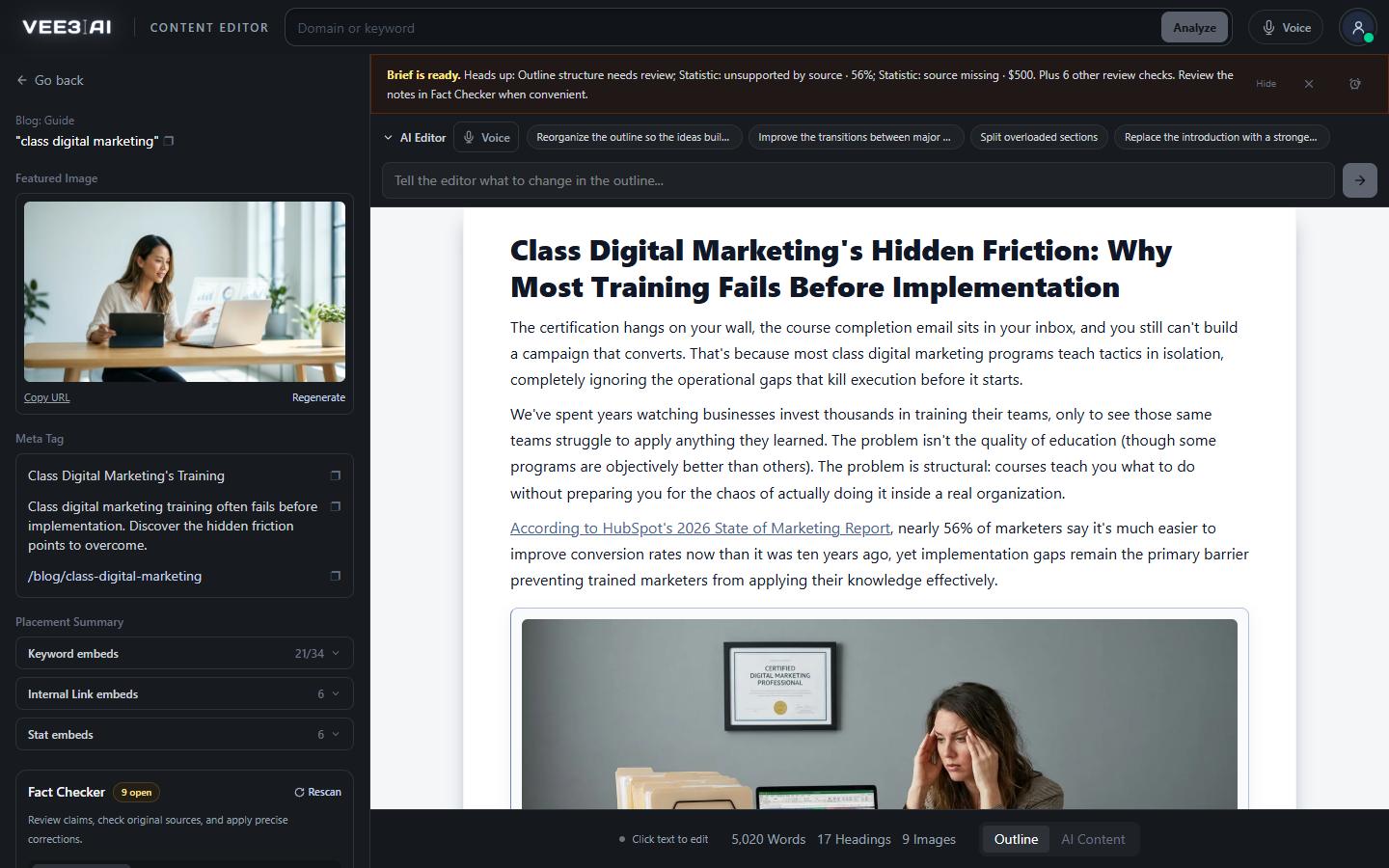
Statistics, quotes, reviews, current events and sensitive claims are compared with the full text of the source beside them. The first pass uses no AI.
Vee3.ai's fact checker reads a draft the way a careful editor does. For every statistic, quotation, review, current-event and sensitive claim, it asks one question first: does the source cited beside this sentence actually say this? Every stated number must appear in the source, quotes must match it exactly, and a current-event claim needs a date the source supports. That first pass is a deterministic comparison with the full text of the sources already retrieved for the draft, with no AI involved and no AI cost. A finding means a claim needs review. It does not, by itself, mean the claim is false.
Most AI writing tools stop at generation, and most checks stop at the search result. That is where invented numbers and misattributed quotes slip through: a snippet can look like confirmation while the page behind it says something else. For anything the first pass can't confirm, Vee3.ai runs a research job. The model searches the web, then the application opens the pages and PDFs itself and reads their text: up to five pages per pass, up to four passes. Search snippets and your own prose are never the verdict.
Each researched claim ends in one of three verdicts, and each verdict is gated by a strict rule.
That third verdict matters. A fact check that guesses is worse than none, because it gives a wrong claim a stamp of approval. Vee3.ai would rather tell you it doesn't know yet.
When a claim can't be supported, Vee3.ai offers up to two replacement passages taken from full-text sources whose context has been checked. A number is only ever replaced by a number, a change by a change, and a measure by the same kind of measure, so a distance never becomes a weight. Choose a passage and it is fitted into your paragraph with its citation, keeping every figure, population, date, unit and qualification intact. A postcondition check must pass before the correction is saved. If it doesn't, your document stays as it was.
In one real workspace, a guide came back with nine open findings. One unsupported statistic was replaced with a 129% figure quoted from the page it cited, in that page's own words.
E-E-A-T is earned in the details. A wrong number in a guide costs you trust with readers, links from editors who check, and citations from AI answers that favor sources they can verify. Checking claims by hand across a content program rarely scales, which is why it rarely happens. Vee3.ai puts the check where the writing happens: in the editor's side panel, on the Outline and AI Content tabs, with a Show in doc button that highlights each flagged passage. Medical, legal, financial and safety claims are always treated as high severity.
Drafts from the AI content writer arrive with their sources attached, so the check has something real to compare against. Corrections run through the SEO content editor, so Undo last edit reverts any fix you change your mind about. When you produce pages at volume, SEO Autopilot can resolve fact-check notes before publishing, and automatic publishing won't go ahead while source findings remain open.
Each research result lists up to eight sources, each with the retrieved excerpt and when it was retrieved. The Replaced and Softened lists keep the original passage beside the saved correction and its source link, so an editor or a client can see exactly what changed and why. Research is idempotent: it can resume without being bought twice, and results that belong to an older version of the document are marked stale and expose no actions.
Ship drafts where every number has a source
Start in a guest workspace with no account or card, and see which claims in your next draft hold up before it goes live.
A deterministic check compares every claim with the source beside it. No AI cost.
Up to four passes search the web, then open original pages and PDFs.
Supported, Not substantiated or Research incomplete, each gated by a strict rule.
Add a verified citation, apply a sourced replacement or soften the claim. A postcondition check must pass before saving.
Content leads
Run the check on every draft before it goes to review.
Agencies
Each correction keeps the original beside the new passage and its source.
SEOs in YMYL niches
Sensitive claims are always high severity, numbers are only replaced by numbers from full-text sources, and anything unproven is softened or held, never guessed.
It confirms that each statistic, quote, review and current-event claim in a draft matches the source it cites, and flags claims with no verified citation. In Vee3.ai it then researches what it can't confirm and offers a sourced replacement or a softened wording, so the page is accurate before it is published.
It is built to avoid false confidence. A claim is Supported only when the retrieved source makes the deterministic check pass, and Not substantiated only after two materially different searches come up empty. Everything else is Research incomplete, and no fix is offered until the evidence exists.
In the editor's side panel, below the Placement Summary. It checks whichever tab you're on: Outline or AI Content. Each finding has a Show in doc button that highlights the flagged passage in your document.
Saving a manual edit triggers a fresh check of the saved document automatically. Rescan saves any pending changes first, then checks again on demand. Research results that belong to an older version are marked stale, so rescan before researching that finding again.
Yes. Ignore for this revision moves it to Hidden findings, where it stays unresolved and can be brought back with Restore to review. The choice is saved in your browser for the current document revision, so the finding can return once the document changes.
Yes. Corrections run through the AI Editor, so Undo last edit beside the instruction box reverts the most recent edit on that tab. The Replaced and Softened lists also keep each original passage next to its saved correction.
No. It checks whether a claim is supported by the source it cites and flags unsafe or unverified source links, but it does not test for broken pages. Use a site crawl for that. It also checks that the outline and content include the internal links planned for the page.
Start a workspace without an account and watch the roadmap build itself. Save it to an account whenever you are ready.