Agencies
Clean up a site you just inherited
Scan the client’s site, open the roadmap banners and work through duplicates, competing groups and no-demand pages in one sitting, with every page’s work visible before anything is removed.
A keyword cannibalization checker that stops two pages chasing one search before either is written, and fixes the ones already competing.
Free to start. No account or card needed.
The same keyword assigned to more than one page in one country, flagged with Resolve duplicate pages.
Keyword cannibalization happens when two of your pages answer the same search, split the signals between them and both rank worse. Most checks find it after the damage, in ranking data. Vee3.ai’s keyword cannibalization checker works earlier: every keyword is compared with your roadmap before a page is created, and pages that already compete are grouped for you to resolve.
“ibs va rating” and “va rating for ibs” are the same question. So are singulars and plurals, reordered words and filler like “how to” or “for”. Vee3.ai reduces each keyword to a signature that ignores all three and compares it within the same country and page type, so a guide and a product page can still share a subject. An AI same-intent check then catches twins that share a meaning but not the words. The check runs wherever a page can be born: clustering, imports, expansions, Autopilot and the Copilot. Editing a page’s keyword in the table is refused when another page already uses it.
Banners on the roadmap flag three things: keywords assigned to more than one page, groups of competing pages, and pages targeting keywords with no search volume. Nothing changes until you act. In each competing group every page starts checked to keep. Keep one and update or remove the others, or keep several and change their primary keywords or page types so they target different questions. Each group only needs one page kept, and skipping a group is remembered for that exact set of pages.
Work is protected at every step. Automatic merges only happen when at most one of the pages holds work, metrics are copied into empty fields only, and a cluster never loses its seed page. Each group shows what every page holds, from outline and content to images and running jobs, so you know the cost of a removal before you confirm it.
Some pages don’t compete; they simply aim at nothing. The no-demand review splits them into pages safe to remove and pages that hold work. For each, Vee3.ai offers up to three replacement keywords with measured demand, drawn from your scan evidence, your keyword research and live queries, and never offers the same suggestion to two pages. Apply up to 12 at a time. Each one is checked again against your roadmap before it lands.
Prevention is a planning habit, not a quarterly audit. Scan the site with the SEO crawler so your live pages and their primary keywords sit on the roadmap. Plan new pages with the keyword clustering tool, which drops duplicates and same-intent twins before grouping. Keep the SEO roadmap as the one list of what each page targets, and watch the same warnings on the SEO dashboard.
In our own workspace, 777 pages were checked and 0 groups compete for one search.
One limit to know: Vee3.ai compares the primary keywords assigned to your pages. It doesn’t read query-by-query ranking swaps from Search Console, so if two live URLs trade places for one query, spot it in the rank and ranking URL columns and fix the targets in the review.
Plan pages that can’t compete with each other
Open a guest workspace with no account or card, scan your site and see every duplicate and competing group before you write another page.
Signatures and an AI same-intent check flag duplicates and competing pages within the same country and page type.
Each group shows what every page holds: outline, content, images or running jobs.
Keep one, update or remove the others, swap in a verified replacement, or skip.
Agencies
Scan the client’s site, open the roadmap banners and work through duplicates, competing groups and no-demand pages in one sitting, with every page’s work visible before anything is removed.
Content teams
Every new keyword, whether from clustering, an import or the Copilot, is checked against the roadmap before it becomes a page.
SEO leads
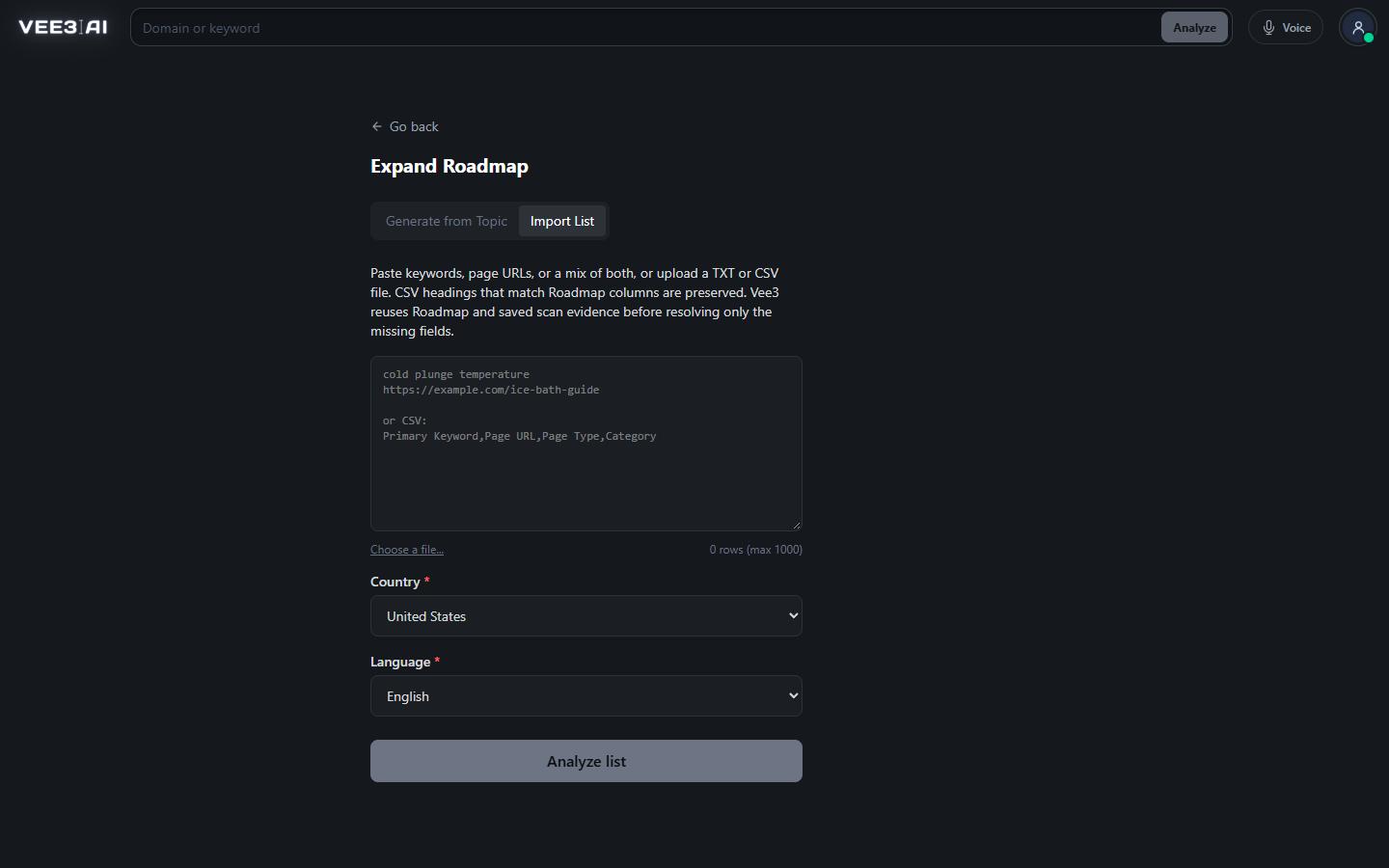
Import List groups rows at high risk of cannibalization and keeps the highest-volume variant of each by default.
It is two or more of your pages targeting the same search, so they compete for one spot and often both rank lower. Search engines have to guess which page you meant, and links and engagement are split between them.
Pick the page that should own the search, then re-target, merge or remove the others. In Vee3.ai each competing group opens in a review where you keep one or several pages, change their primary keywords or page types, and see what work each page holds before you confirm.
Banners on your roadmap flag keywords assigned to more than one page (Resolve duplicate pages), groups of competing pages (Review and fix) and pages targeting keywords with no search volume (Review and clear). Nothing changes until you act.
Yes. Every page in a group starts checked to keep. Keep several, correct their primary keywords or page types so they target different questions, then save. Each group only needs at least one page kept.
Removal asks for confirmation and can’t be undone. In the competing-pages review, pages that hold work or have a run in progress are kept, and you’re told which ones. In duplicate resolution you must accept that saved work will be permanently deleted before it goes.
Yes. When it’s applied, each replacement is checked again against your roadmap for near-duplicates and same-intent pages, and it must still have measurable search volume. If a check fails, that row stays unchanged and you can pick another suggestion.
No. It compares the primary keywords assigned to your pages, which is what lets it stop a duplicate before the page exists. For live pages, the roadmap’s rank and ranking URL columns show which of your URLs actually ranks for each keyword.
Start a workspace without an account and watch the roadmap build itself. Save it to an account whenever you are ready.