Agencies
Show a new client who they really compete with
Replace the usual list of giants with the rivals that share the client's searches, labeled Closest, Close or Related.
An SEO competitor analysis tool that finds the rivals who compete for your searches, not the giants who happen to rank.
Free to start. No account or card needed.
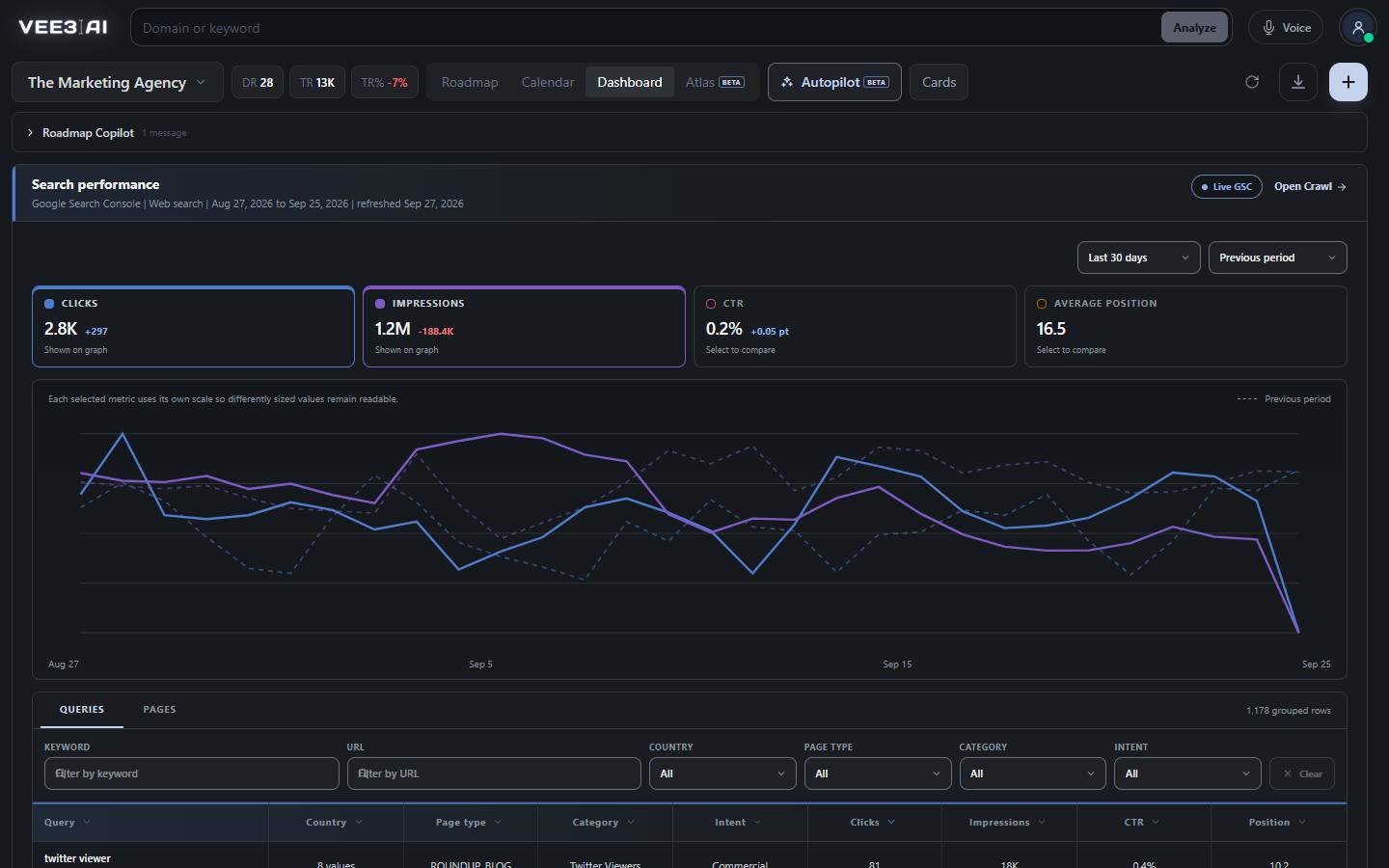
Candidates are ranked by keyword-footprint similarity, and marketplaces, social platforms, directories and review sites are removed.
Ask most SEO competitor analysis tools for your competitors and you get a marketplace, a forum and a national publisher. They rank for everything, so they overlap with everyone, and none of them is the business taking your customers. Vee3.ai ranks candidates by how similar their keyword footprint is to yours, so a niche rival beats a giant, and it removes marketplaces, social platforms, directories and review sites outright.
Discovery pulls candidate domains for your market, strips out the platforms, and keeps only sites that share real searches with you: at least three shared keywords, or 0.5% of your keyword footprint when that is larger. A candidate more than 20 times your size is dropped as a different kind of site. In one real workspace (The Marketing Agency, September 2026), the closest rival shared 256 searches, and four rivals were monitored instead of every giant that ranks.
A competitor qualifies on shared keywords, overlap, relative size and position quality. The score weighs the square root of keyword overlap most heavily at 0.45, then keyword scale similarity at 0.25, traffic scale at 0.15, support at 0.10 and position quality at 0.05, and a rival needs 32 or more to qualify. Each one is labeled Closest, Close or Related by comparing its overlap with the highest in your shortlist, so you know who to watch and who to note.
Knowing a rival's top keywords is only useful if you can see which ones you already cover. On the Dashboard, Generate report builds the competitor top keywords list for your monitored rivals and marks each keyword On roadmap or Review topic. Review topic opens Expand Roadmap with that keyword ready to add, so a gap becomes a planned page on your SEO roadmap in two clicks. Check any single keyword first with the keyword analyzer to see who holds page one.
Up to five competitors stay on your SEO dashboard in one table beside your own brand, with authority, monthly organic traffic, pages, search overlap and a traffic share bar across the whole set. Open any rival's domain report for history from one month to five years, with dual charts for authority and organic reach, each metric benchmarked against the median of its qualified peers. A rival's climb is visible the month it starts.
No rankings yet? The cold-start path takes up to eight of your own best-ranking keywords, reads the top ten results for each, and favors domains that keep reappearing across them. Discovery starts in the background the moment you enter your address during setup, so the shortlist is ready when you reach the question of which competitors to monitor.
Type any public domain or page URL into the header search to open its domain report: authority, history, top keywords, ranked pages and its own organic competitors. Batch mode compares up to 50 domains in one table you can export. Because Vee3.ai is an all-in-one SEO tool with competitor analysis built in, the same workspace also crawls your site with the SEO crawler, writes the pages, and shows which domains AI answers cite with the AI visibility tool.
Find the rivals who actually share your searches
Start in a guest workspace with no account or card; competitor discovery begins the moment you enter your address.
One request retrieves candidate competitors; platforms, directories and review sites are removed.
Candidates need at least three shared keywords and are ranked by footprint similarity, not size.
Authority, traffic, pages, search overlap and traffic share for each rival, benchmarked against the competitor median.
Up to five competitors stay on your Dashboard, with an on-demand report of their top keywords marked On roadmap or Review topic.
Agencies
Replace the usual list of giants with the rivals that share the client's searches, labeled Closest, Close or Related.
In-house teams
Keep your closest competitors on the Dashboard with authority, traffic share and history.
Founders and solo SEOs
The cold-start path finds rivals from the results pages of your best keywords, even for a young site.
It identifies the sites competing with you in search and shows how they win: their authority, traffic, keywords and ranked pages. Vee3.ai also decides who counts as a competitor by shared searches, and maps their keywords against your own roadmap so gaps turn into planned pages.
Look for one that finds your real rivals before it measures them, handles a site with little ranking history, and ties their keywords back to your plan. Vee3.ai was built around those three: footprint-based discovery, a cold-start path for new sites, and On roadmap or Review topic marks on every competitor keyword.
Each label compares a competitor’s search overlap with the highest overlap in your shortlist. A site with 80% or more of that top overlap is Closest, 50% or more is Close, and anything lower is Related. It measures shared searches, not geographic distance.
Yes. In the setup step “Which competitors should I monitor?”, use Add your own competitor with a domain or full URL. If suggestions don’t load, choose Try suggestions again, or pick Add them later to finish setup without competitors.
Competitor top keywords is generated only when you click Generate report on the Dashboard. Opening the Dashboard never runs it. The result is cached for 7 days, then you can use Refresh report. Review topic opens Expand Roadmap with that keyword ready to add.
Yes. Type any public domain or full page URL into the header search to open its domain report, with authority, history, top keywords, ranked pages and organic competitors. Local hosts, IP addresses and custom ports aren’t accepted.
Yes. The domain report has Export keywords and Export competitors, and ranked pages export whatever is loaded, so use Load next 1,000 to pull more first. In batch mode, Export comparison saves the whole table.
Start a workspace without an account and watch the roadmap build itself. Save it to an account whenever you are ready.