Content teams
Build a quarter's keyword list in one sitting
Run your category's head terms, sort Closest matches by volume and export the keepers into one keyword list.
A keyword generator that starts from searches people really type, with volume, difficulty and traffic potential to choose between them.
Free to start. No account or card needed.
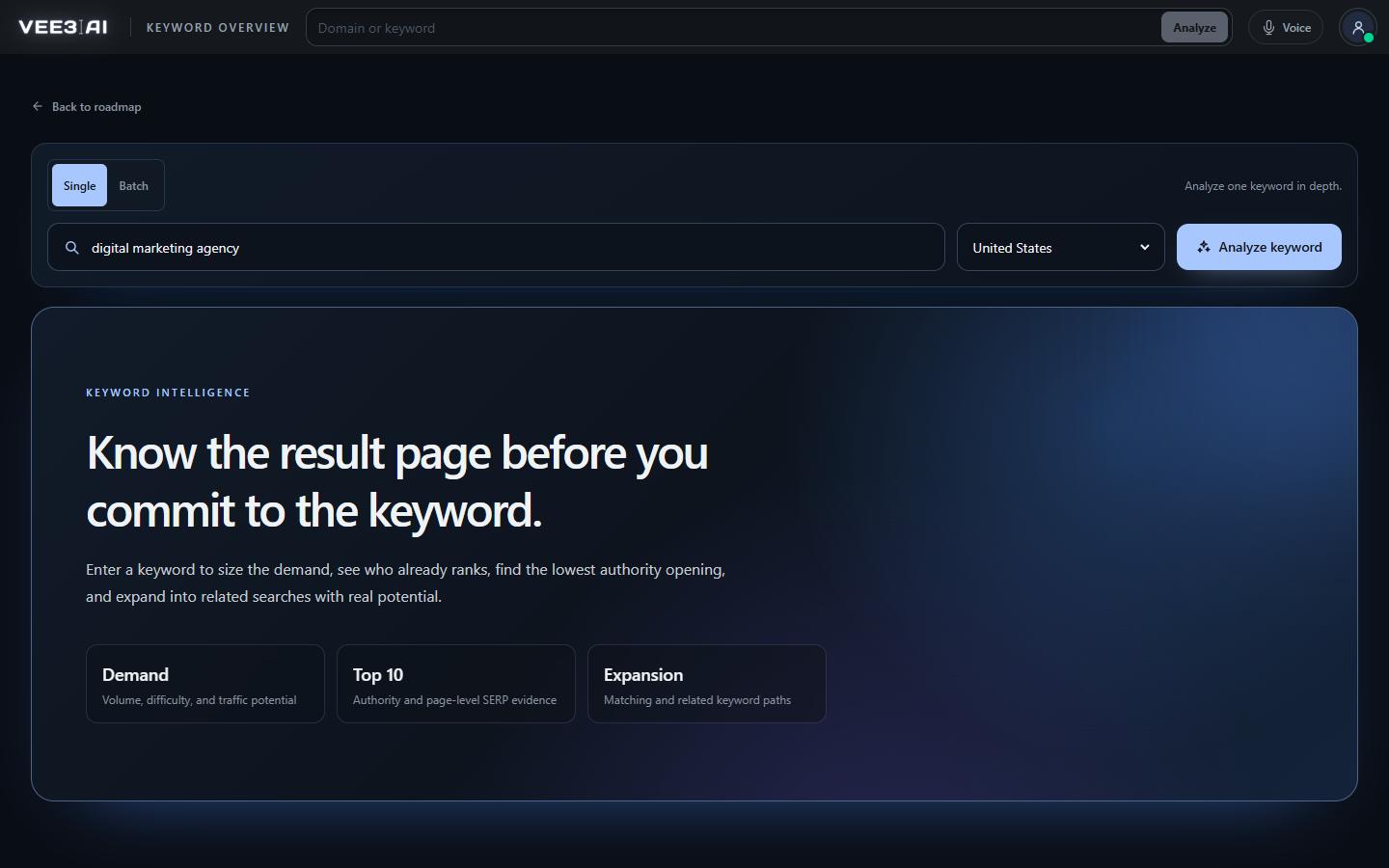
Every idea has measured monthly volume above zero; phrases nobody searches never reach the list.
Most keyword tools pad the list with phrasings nobody types. Vee3.ai's keyword generator works the other way round: every idea is a query SEO data providers have measured, with monthly search volume above zero and a difficulty score attached. Type one seed and Keyword Overview returns two lists, closest matches that contain your words and broader opportunities from the related-keyword graph, ready to sort, export or turn into planned pages on your roadmap.
Two requests run side by side for the market you choose. The first collects searches that contain your seed; they become Closest matches. The second walks the related-keyword graph around the seed; those become Broader opportunities. Each list holds up to 1,000 ideas, sorted by volume, with the seed and any repeats removed. Every row carries monthly volume and a 0 to 100 difficulty score, and the top six in each list also show traffic potential: the estimated traffic of the page ranking first. Click any idea and its own keyword report opens in a new tab.
Keyword ideas with no measured searches are filtered out before they reach you, so it works as a keyword list generator you can trust: a long list means a long list of real demand. Switch a list from Top to All, sort by keyword, volume, difficulty or traffic potential, and Export saves the whole list to a CSV in your sort order. Before you commit to a keyword, check who holds page one with the keyword analyzer.
Closest matches is where the long tail lives: your seed plus the modifiers people add to it, such as a use case, an audience or a comparison. Because every row has measured volume, long tail here means specific, not imaginary. Sort by difficulty to find the variants a young site can realistically win, then sort by traffic potential to see which head terms deserve one strong page.
Any keyword can go to Import to Roadmap, which opens Expand Roadmap with your brand pre-selected. Start clustering mines up to 120 matching and 60 related real searches for the seed and asks AI for extra ideas only when fewer than 60 real searches come back. Everything is then checked again: no demand, a year in the phrase, "near me", a page already on your roadmap, a competitor's branded query or a same-intent twin all drop out. The keyword clustering tool groups what survives into pages.
Expand Roadmap also suggests new seed keywords. Each idea extends a topic already on your roadmap and names it, with up to three ideas for every page type that fits your brand and a Recommended mix of six. Demand is measured when the data is available and marked Volume pending when it is not; a measured zero is never offered. Refresh reruns the analysis against your roadmap as it stands.
No seed yet? Enter a site into the domain analyzer and you get the top 1,000 keywords it ranks for, ordered by estimated traffic, with intent and difficulty. Run it on a competitor and it doubles as a competitor keyword tool: a list grounded in what already earns traffic in your market.
The SEO Copilot can run a keyword report for you and open it on screen, or propose seed topics based on your roadmap. Anything that spends credits waits for you to confirm it, so suggestions never turn into runs on their own. When pages already on the roadmap turn out to have no search demand, Vee3.ai also finds replacement keywords with measured volume for you to review and apply.
Turn one seed into a keyword list worth writing
Start in a guest workspace with no account or card, and generate your first ideas from the header search.
Type a keyword of up to 80 characters and 10 words into the header search and pick a market.
Closest matches and Broader opportunities arrive side by side, each sorted by volume.
Switch to All, sort by volume, difficulty or traffic potential, and export the list.
Import to Roadmap and Start clustering turns the keepers into planned pages.
Content teams
Run your category's head terms, sort Closest matches by volume and export the keepers into one keyword list.
Agencies
Sort Broader opportunities by difficulty to surface ideas a young site can realistically rank for.
Founders and solo SEOs
Seed ideas on Expand Roadmap extend topics already on your roadmap instead of chasing unrelated popular subjects.
It takes a seed keyword and returns related searches you could target, usually with demand and difficulty. Vee3.ai's version only returns searches with measured volume, splits them into closest matches and broader opportunities, and lets you send any of them straight to your roadmap.
The best keyword research tools for SEO do three things: draw ideas from real searches rather than invented phrasings, put numbers on every row so you can choose, and give you a path from the list to planned pages. Vee3.ai covers all three with measured volume, difficulty and traffic potential, and Import to Roadmap on any idea.
Not in Keyword Overview: both lists come from searches SEO data providers have measured. When you start clustering a seed, AI adds ideas only if fewer than 60 real searches come back, and those ideas still need measured demand to become pages.
Ideas with no measured search volume are removed, as are repeats and the seed itself. Anything longer than 80 characters or 10 words is skipped. If a list is short, the seed may be too narrow; try a broader wording or check Broader opportunities.
Yes. Closest matches holds the longer variants that contain your seed, each with volume and difficulty. Sort by difficulty to find the specific phrasings that are easiest to win.
Yes. Closest matches and Broader opportunities each have an Export button that saves a CSV with keyword, volume, difficulty and traffic potential, in the sort order you chose.
A new Keyword Overview report uses credits from your workspace. Opening the same keyword in the same market again reuses the saved report, for 7 days when it is complete and 1 day when it is partial, without spending credits again.
Start a workspace without an account and watch the roadmap build itself. Save it to an account whenever you are ready.