SEO agencies
A client portal that shows the real work
Give the client View on the Dashboard and Roadmap.
Start without an account, then share exactly the screens you choose, with View or Edit set per person and per screen.
Free to start. No account or card needed.
View or Edit for Crawl, Roadmap, Dashboard and Brief/Content, chosen for each person and changeable later.
Most SEO work is shared work: a strategist plans, a writer drafts, a client approves, a manager checks the numbers. Workspace Sharing lets each of them into the same Vee3.ai workspace with exactly the access they need. Owners and admins invite people by email or by link, then set View or Edit separately for Crawl, Roadmap, Dashboard and Brief/Content. The server checks that access on every request, not just in the interface.
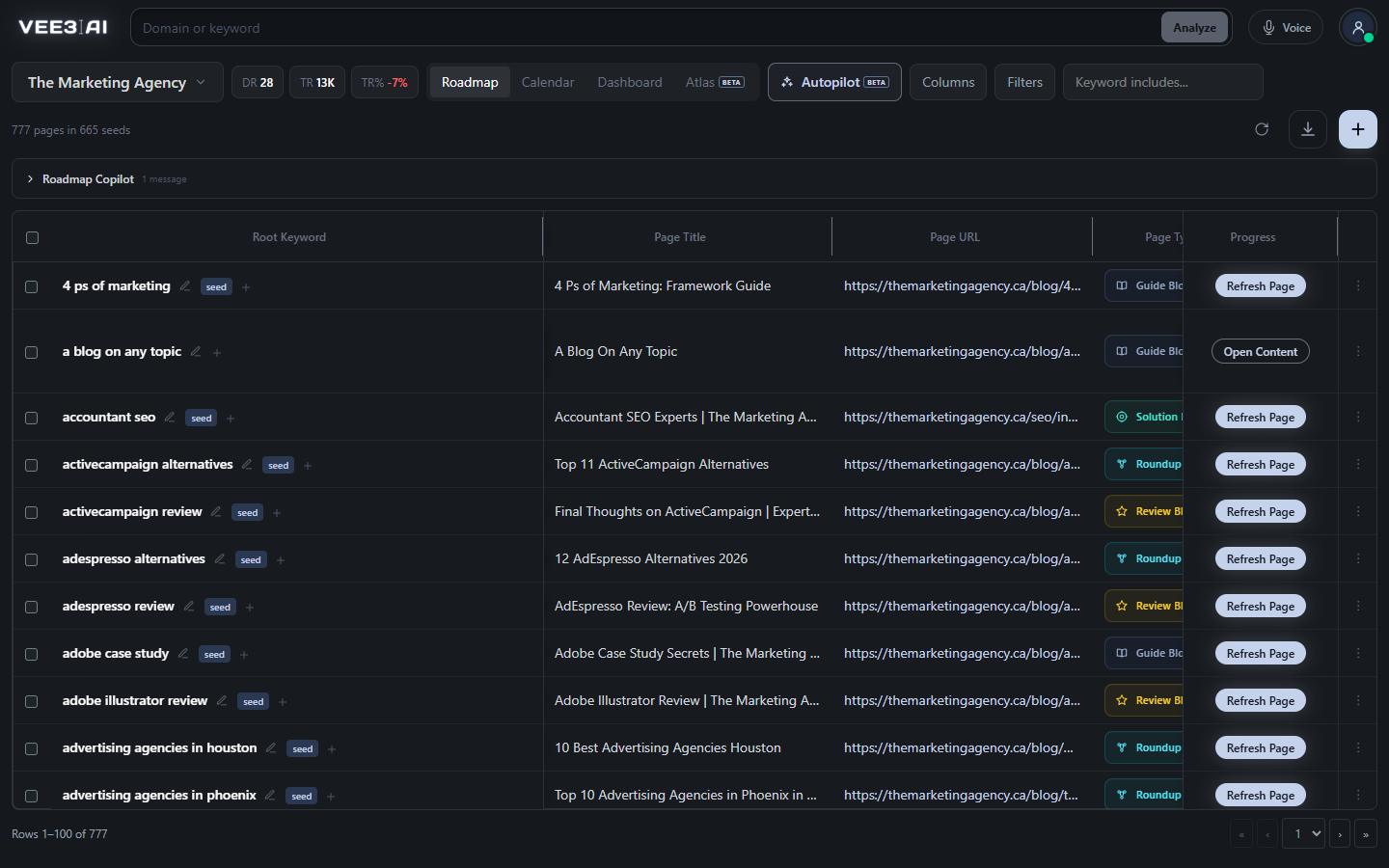
Agencies often keep a client portal apart from the tool where the work happens, which means exports, screenshots and a login nobody remembers. In Vee3.ai the client signs in to the workspace itself. Give them View on the SEO dashboard and the Roadmap, and they see live Search Console and GA4 performance next to the pages you plan to build, without being able to change anything. View-only users never see the Copilot or the AI Editor, so a client cannot start a Copilot request on your credits.
Access is set on four screens. Crawl covers site scans, Google connections and brand settings. Roadmap covers Topics, the roadmap and briefs. Dashboard covers performance and the technical checklist. Brief/Content covers the content editor, drafts, fact checks, images, publishing and the CMS connection, so a writer can have Edit there while keeping View on everything else. Owners and admins always have Edit everywhere, and you can change anyone's settings later.
An email invitation is tied to one address: it can be accepted once, by someone signed in with that address, and it expires after 30 days. Sending a new invitation to the same address cancels the earlier one. A shareable link suits a team: several people can accept it, it requires sign-in, and it works until you revoke it. The sharing panel shows how many people accepted each invite or link. Links are stored only as a secure hash, and revoking a link stops new joins without removing people who already joined.
For stakeholders who only need the big picture, turn on a public link to the topical authority map. Anyone with the link can fly the 3D map and switch its lenses, read-only, without opening pages in Vee3.ai or seeing your other views. The public page is set to noindex, it stays current while you work, and you can switch the link off at any time. It makes a monthly client report something they can explore instead of a PDF they skim.
You can open a workspace without creating an account, and it stays private to your browser until you save it. Saving attaches it to your sign-in in place, without copying, and your saved workspaces appear in the account menu so you can switch between them. One thing agencies should plan for: an invitation covers every brand in the workspace, so keep each client in a workspace of their own when they should not see other brands. Anyone with Edit on the screen can also ask the SEO Copilot for help there.
Give your client a view of the work, not a report about it
Start building in a guest workspace with no account or card, then save it and invite people when there is something to show.
Open a guest workspace; save it to an account whenever you like.
Send an email invitation or create a revocable share link.
Choose View or Edit per screen, per person.
Optional public, read-only Atlas link for clients and stakeholders.
SEO agencies
Give the client View on the Dashboard and Roadmap.
Content teams
Set Edit on Brief/Content and View on Crawl, Roadmap and Dashboard.
Consultants
Send a public Atlas link ahead of a review.
Yes. Invite the client into the workspace with View access on the screens they should see, such as the Dashboard and Roadmap. They sign in to live data, cannot change anything, and never see the Copilot or AI Editor. For a lighter touch, share the public read-only Atlas link instead.
Only workspace owners and admins, and they always have Edit access to every screen. The View and Edit choices you make apply to the members you invite.
Yes. An invitation adds the person to the whole workspace, so their View or Edit settings apply to every brand in it. Keep a client who should only see their own brand in a separate workspace.
No. An email invitation can be accepted once, by someone signed in with the address it was sent to. Sending a new invitation to the same address cancels the earlier one.
A link can be accepted by more than one person and does not expire; it works until you revoke it. The sharing panel shows how many people have accepted each link or invitation.
No. Revoking stops the link from being accepted again. People who already joined keep their access until you change their View and Edit settings or remove them from your workspace users.
Edit on Brief/Content covers publishing and the CMS connection. Edit on Crawl covers connecting Google, site scans and brand settings. With View only, people can look at those screens but cannot change them.
Start a workspace without an account and watch the roadmap build itself. Save it to an account whenever you are ready.