
Your team ships the release, the changelog goes live, and somebody drops a rocket emoji in Slack. Meanwhile, every page describing the product still tells the old story.
This is where drift starts. Release notes go out on time, but feature pages, pricing copy, docs, and schema markup often lag behind. That lag is where SaaS SEO quietly erodes, and it can be called product drift.

Key Facts
Product Drift Is Now an AI Search Problem
Drift is the growing gap between what your software does today and what your public pages claim it does. No one sets out to cause it; it simply accumulates with each release.
Google’s AI Overviews and assistants such as ChatGPT make that gap expensive. Lily Ray of Amsive said that anyone can publish a blog post claiming a title, and Google’s AI may treat it as fact. Any sentence on your site can become a standalone answer, so SEO for SaaS now depends on every one of those sentences being true.
Consider a hypothetical. Imagine a SaaS team that renames one of its plans and updates the pricing page on launch day. Three older blog posts, a comparison page, and the schema.org SoftwareApplication offer markup still say “Team plan.” The rep opens the conversation with a correction. A buyer can absorb the outdated claim during research and never reach your site to see the fix.
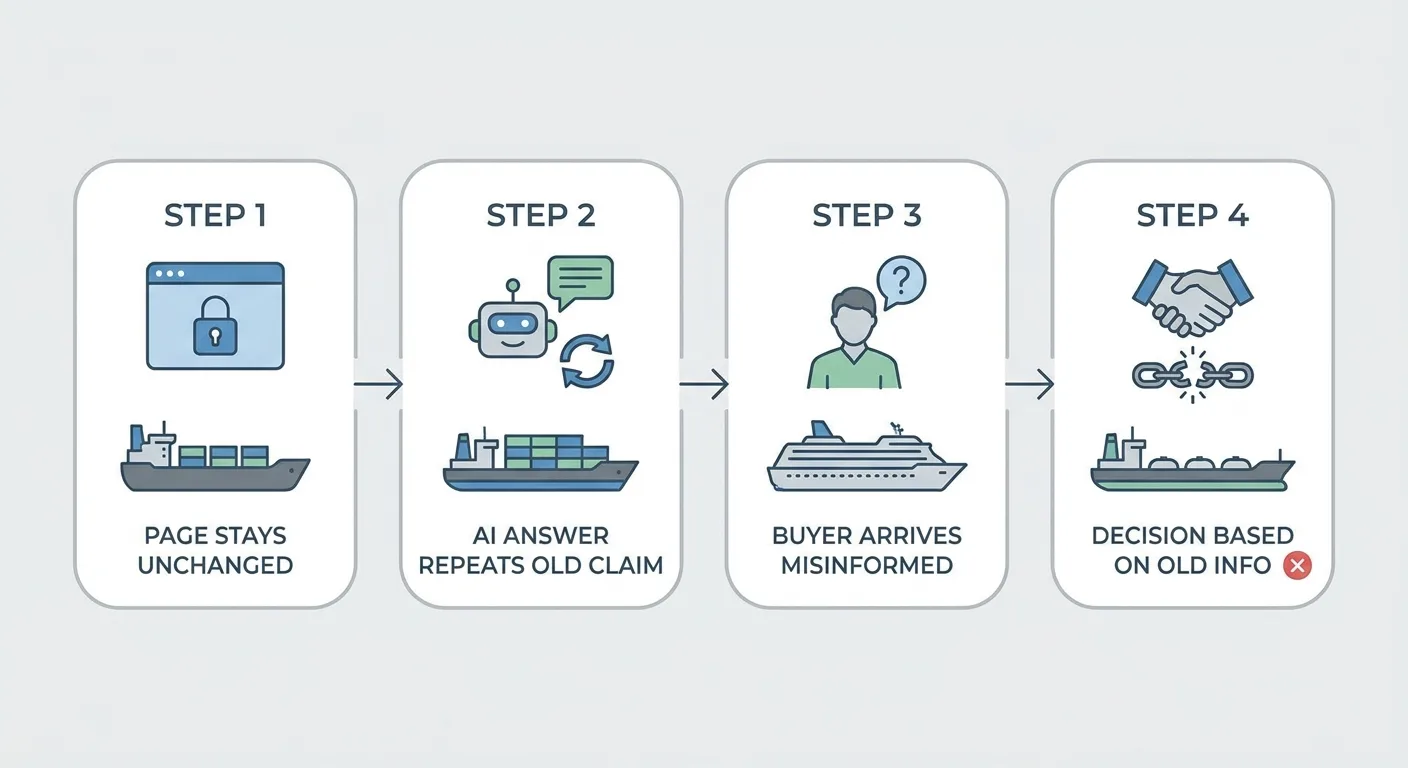
You can’t log into an assistant and edit what it says. The fix lives on your own pages and the pages that cite them, which is why it helps to understand how AI visibility works.
Some drift is harmless: a new button color or a reshuffled sidebar misleads nobody. A retired tier or a removed integration does real damage, because pricing, availability, and capability claims shape trust and pipeline.
The Pages That Go Stale First (and Who Usually Owns Them)
Start any drift check with these eight page types. They hold the claims buyers and AI answers rely on most, so SaaS SEO problems pile up here first:
| Page type | What goes stale | Typical owner | Review trigger |
|---|---|---|---|
| Pricing page | Plan names, seat or usage limits, included features, billing terms | Product marketing or growth | Any pricing or packaging change |
| Feature pages | Capability descriptions, feature names, screenshots, supported platforms | Product marketing | Feature launch, rename, or behavior change |
| Integration pages | Supported apps, sync direction, setup steps, availability by plan | Partnerships or product marketing | Integration added, changed, or removed |
| Help docs and knowledge base | UI paths, setting names, step-by-step instructions | Docs or support team | Any UI or workflow change |
| Changelog and release notes | Links to retired features, outdated “coming soon” promises | Product or engineering | Each release |
| Screenshots and product images | Interface visuals, alt text, captions | Often nobody | UI redesign or feature rename |
| Structured data (SoftwareApplication offers, FAQ markup) | Prices, plan names, answers that no longer match page copy | Often nobody (sometimes web dev) | Pricing change or FAQ copy edit |
| Blog posts and tutorials | Feature mentions, old plan names, outdated walkthroughs | Content team | Rename, removal, or pricing change |
Two rows read “often nobody,” and that is the real finding: drift persists because nobody’s job title covers it. Structured data is one of those orphaned rows, which means keeping schema markup accurate also requires someone accountable by name.
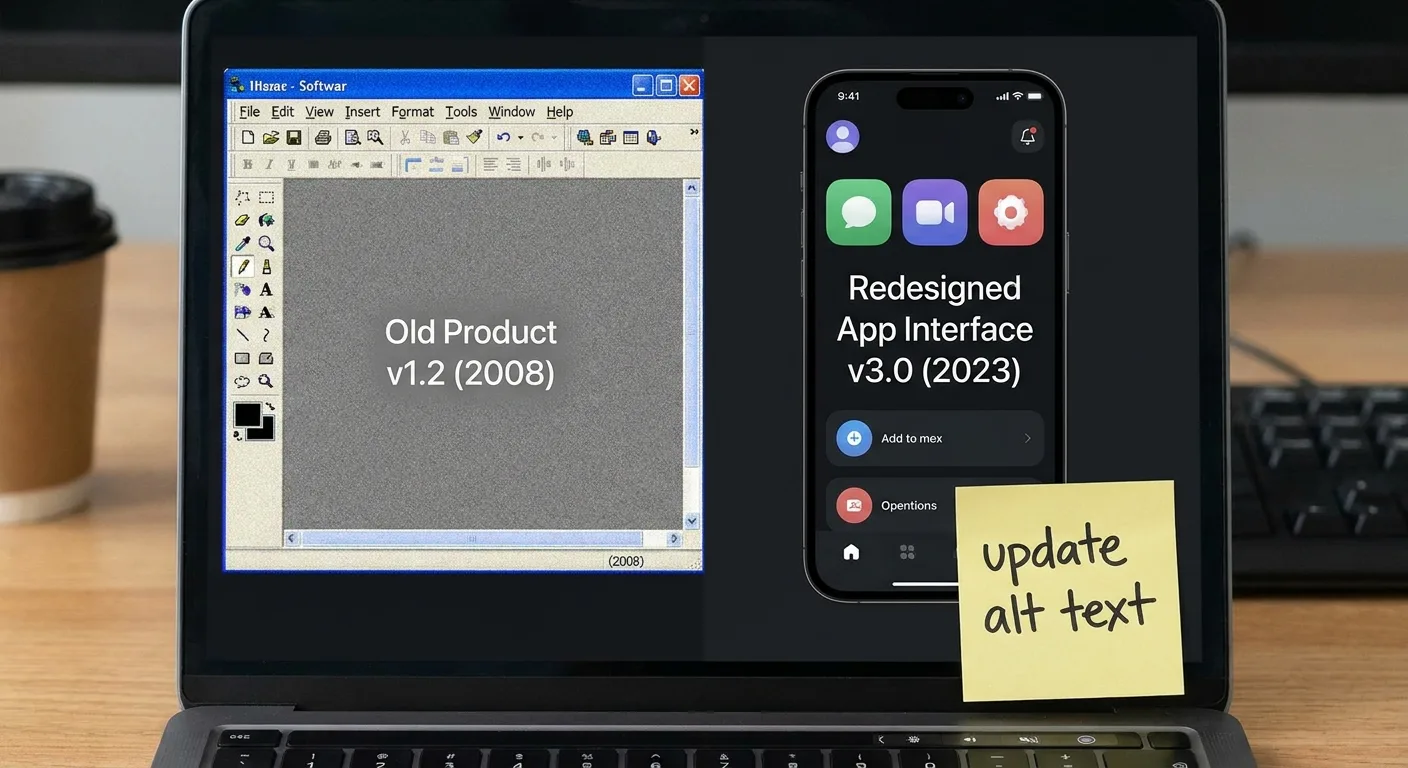
Scale multiplies all of this. Enterprise SaaS SEO covers several product lines, regions, and languages, so one release can touch dozens of URLs. Localized versions often trail the primary language. When page ownership is divided between in-house staff and a SaaS SEO agency, the gap grows wider unless that division is written down.
A Release-Synced SEO Workflow You Can Run This Sprint
Fold drift maintenance into your wider SEO strategy for SaaS so it becomes a routine that runs alongside every release.
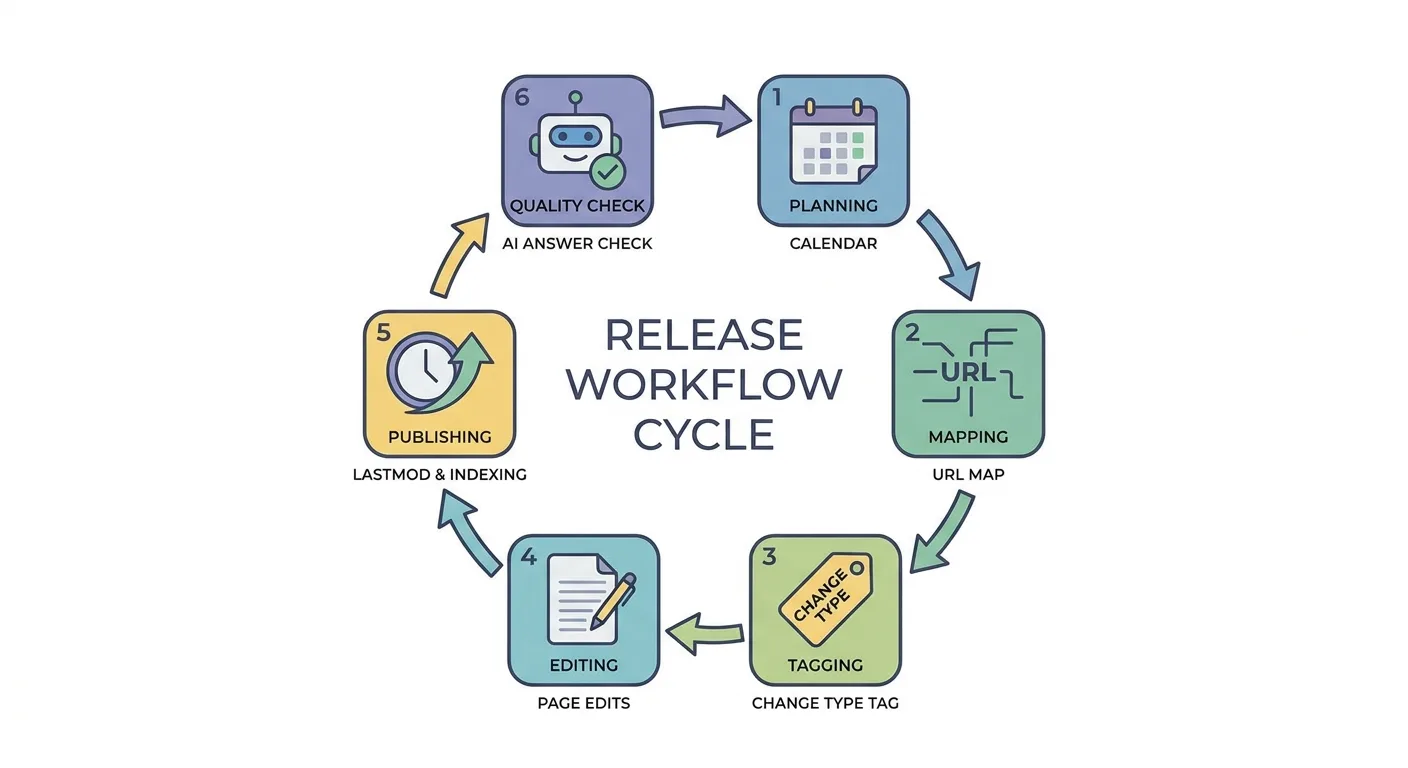
- Get SEO onto the release calendar. Ask product to tag customer-facing tickets so SEO work starts at ship time.
- Map each release to affected URLs. Search the whole site, blog included, for every feature, plan, and integration name the release touches.
- Classify the change by type. Use the table below to judge how much work each type calls for.
| Change type | What it looks like | SEO action | Urgency |
|---|---|---|---|
| Cosmetic | New colors, layout tweaks, icon swaps | Update screenshots only if they mislead; no lastmod change | Low |
| Behavioral | A feature works differently or gains options | Revise feature copy, docs steps, and screenshots | Medium |
| Naming | Feature, plan, or integration renamed | Add “formerly X” mention, update anchors and schema (detail in the renamed section) | High |
| Pricing | Price, limit, or plan contents change | Update pricing page, offer schema, and every page citing the old figure | High |
| Removal | Feature or integration retired | Redirect or replace the page; remove claims sitewide | High |
- Update everything together. Change copy, screenshots, alt text, schema values, and internal anchor text in one pass, then run the changed URLs through an on-page SEO checker.
- Keep freshness signals honest. Set last-modified and sitemap lastmod values only for meaningful changes, since Google uses the lastmod value only if it’s consistently and verifiably accurate (Google Search Central). Then request indexing for priority URLs through Google Search Console URL Inspection. Crawling can take anywhere from a few days to a few weeks, and requesting a crawl doesn’t guarantee that a page will be included in search results instantly or even at all (Google Search Central).
- Spot-check AI answers. Ask assistants about the changed facts a few weeks later and note what they repeat.
Paste the template below into Jira or Linear as your SaaS SEO checklist:
Release ticket template: SEO impact
- Affected URLs listed (feature, plan, and integration names searched sitewide, blog included)
- Change type tagged (cosmetic, behavioral, naming, pricing, removal)
- Page copy updated
- Screenshots and alt text updated
- Schema values checked against page copy
- Internal anchors and link destinations updated
- Lastmod set only for meaningful changes
- Priority URLs submitted through Search Console URL Inspection
- AI answer spot-check scheduled
Cosmetic releases skip most of the list, so SaaS SEO effort scales with the size of the change.
The Lean Version for Teams Without an SEO Hire
Small teams can run a slimmer version. SEO for SaaS startups usually falls to a single marketer who covers everything, so the essentials boil down to three habits:
- A “facts that change” doc listing every public number or name tied to a product decision, plus the URLs that mention it.
- One owner, even part-time, so the doc never goes unattended.
- A recurring pre-release reminder in Slack or your team channel.
“Facts that change” doc: one entry per fact
- Fact: the public claim (e.g. free plan seat limit, supported integrations list)
- Current value: what the live product does today
- Source of truth: billing screen, admin settings, or product spec
- URLs that mention it: every page, doc, and post where it appears
- Owner: one name
- Last verified: date of the most recent check
That “Last verified” field only works if basic fact-checking habits compare each value with the live product, not memory.

Because startups pivot often, wait until positioning settles before investing in heavy SEO SaaS tools. A process designed around this quarter’s product may not outlast the next one.
Renamed, Merged, or Retired: Handling Feature Changes Without Losing Equity
Product names rarely stay fixed, and those moments are when technical SEO for SaaS proves its value. Every rename, merge, or retirement forces four decisions.
Old names often keep demand. Searchers keep typing a retired feature name long after launch day, so a “formerly X” mention belongs on the current page. Let query data tell you when it is safe to drop.
Redirect to the closest match. Send merged or retired URLs through a 301 to the most relevant surviving page, never the homepage by default. Redirecting old URLs to an irrelevant destination like the homepage can confuse visitors and might be treated as a soft 404 error (Google Search Central).
Give popular retired features a landing spot. A short page explaining what replaced the feature and how to migrate serves people still searching for it. Low-demand features can simply redirect.
Fix internal links at the source. Point anchors straight at their new destinations so neither crawlers nor users have to pass through redirect hops. Large sites benefit from automated internal linking, which swaps every old anchor for the new destination.
Say a product team renames “Workflows” to “Automations.” The marketer keeps a “formerly Workflows” line near the top of the new feature page, sets a 301 from /features/workflows to /features/automations, and points every internal link at the new URL directly. The old /blog/workflows-guide post either gets rewritten around the new name or consolidated into the feature page, so the two URLs stop competing for the same query.
That consolidation step deserves a sitewide audit. Look for old and new pages ranking for the same terms and merge them wherever intent overlaps, since leftover cannibalization splits rankings between competing URLs.
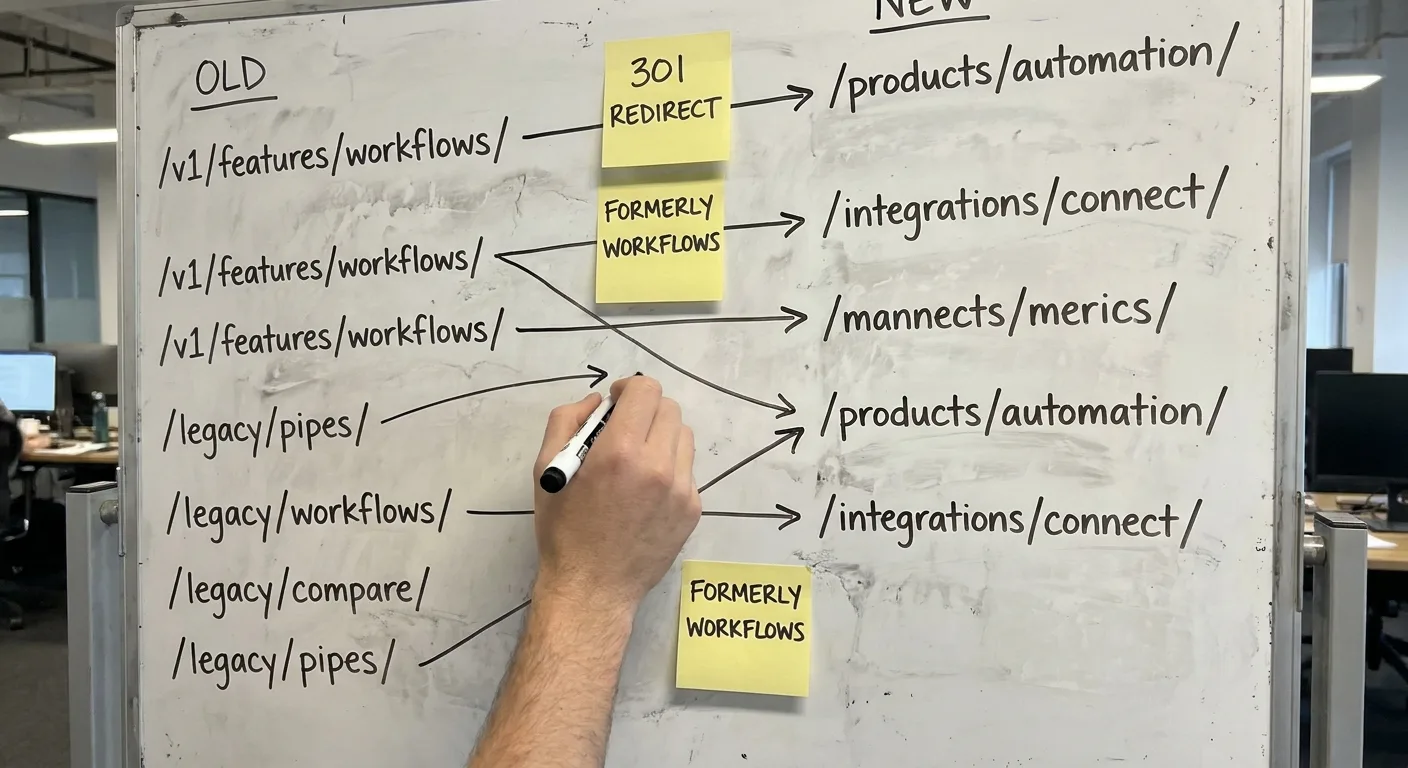
Does your redirect map live anywhere outside one engineer’s memory? Whoever owns redirects, your internal team or an SEO company for SaaS, should keep that map documented and shared.
Signals That Tell You Drift Already Cost You Traffic
These SaaS SEO signals point to drift, and a decaying page usually shows a few of them at the same time (seo.com):
- Impressions on retired names. Search Console’s performance reports show how often users saw links to your site on Search and whether they clicked through (Google Search Console Help), which lets you check whether old feature or plan names still surface your pages.
- Mismatched queries. Search Console also reveals queries where the ranking URL no longer answers the intent.
- Falling CTR on pricing or feature pages.
- Support tickets and sales notes citing features or prices that no longer exist. These often surface outdated claims before analytics does.
- AI assistant answers repeating outdated limits or integrations.
Open the Performance report, add a query filter containing the retired name, and check whether impressions are still arriving.
Correlation isn’t cause. A CTR drop has plenty of possible drivers, so diagnosing SEO for SaaS problems means ruling out algorithm updates, SERP layout changes, new SERP features such as AI Overviews, and seasonality before blaming drift.
Picture a pricing page losing clicks over a month. A first check of the live results shows an AI Overview now appearing on the main pricing query, which explains part of the dip with no drift involved. A second check, this time of support tickets, turns up repeated questions about an integration removed two releases ago, and the pricing page still lists it in the plan comparison. Two causes, two fixes: the AI Overview shift needs monitoring, and the stale integration line needs an edit today.

Spreadsheets and Search Console filters work for a small site. Once the page count climbs, you need a SaaS SEO tool that brings crawl, Search Console, and analytics data together.
Then pull your findings into a drift evidence doc built around the SEO KPIs worth tracking, such as impressions and CTR on product pages, so leadership sees familiar numbers. The same doc strengthens any budget request for a SaaS SEO agency.
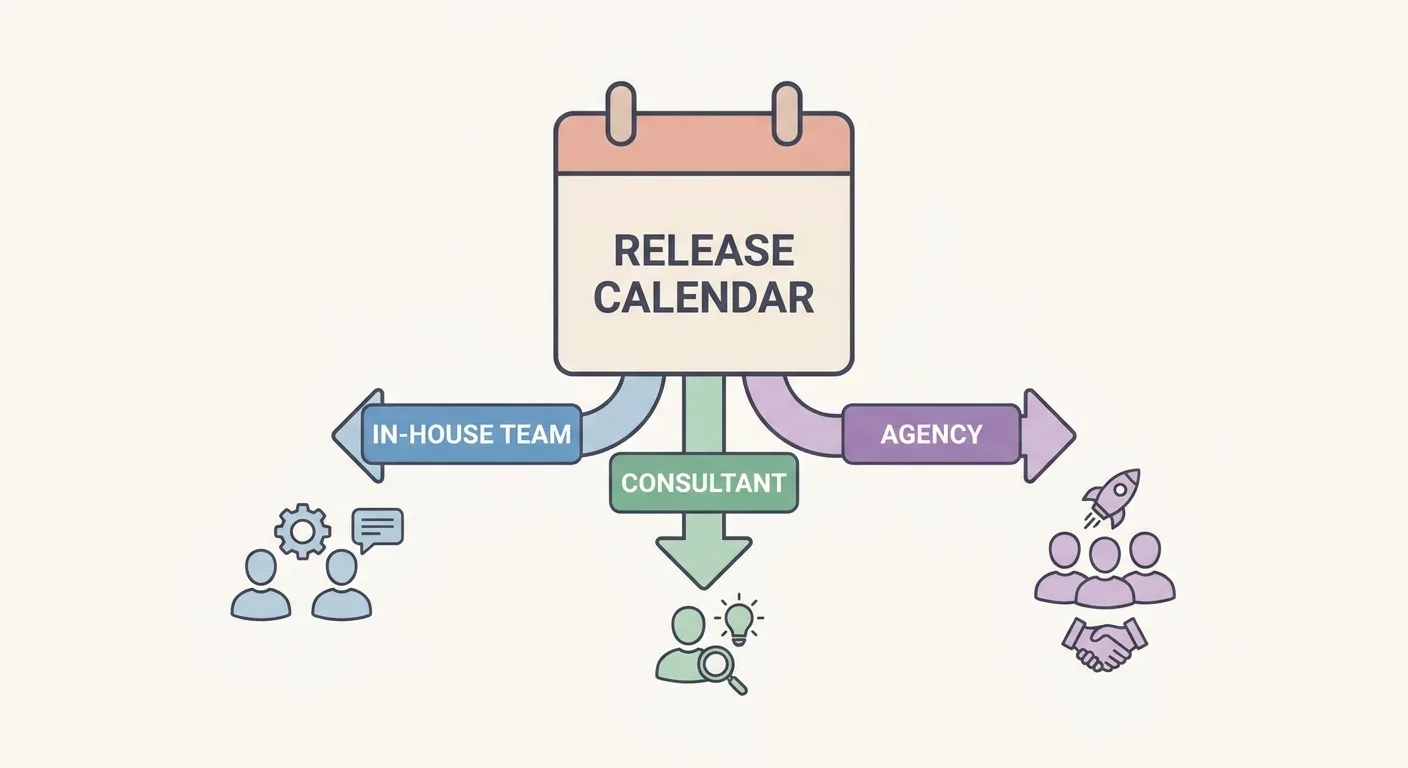
Deciding Who Owns Drift: In-House, Consultant, or Agency
In-house ownership suits any SEO for SaaS company where search sits close to product and sales. Marketers who sit inside the team can watch the release calendar, speak with product managers, and follow tickets, and that proximity is where B2B SaaS SEO wins.
Consulting fits teams that need the workflow designed and the team trained once, then run it internally. SaaS SEO consulting from a solo expert or a small SaaS SEO company covers that setup without a long retainer.
Agency support makes sense when page counts, product lines, or release frequency outgrow internal capacity, or headcount runs thin. An SEO agency for SaaS brings the hands to run the workflow every release, and SaaS SEO services at that scale should include drift checks by default.
Teams searching for the best SEO agency for SaaS companies often wade through pitch decks that look alike. What separates strong candidates is release handling, redirect planning, and AI citation checks, and a genuine SaaS SEO expert reads your changelog before running keyword reports. Ask every candidate for proof of process, and compare their answers with a real search marketing case study before signing. Put these questions to each B2B SaaS SEO agency on your shortlist:
- How do you find out about our releases?
- A useful question to ask is how the redirect process works for a renamed feature.
- How do you check what AI answers say about a product?
- Who verifies product facts before publishing?
Keeping Pace With Release Velocity
Release cadence outruns manual checks. Mismatches pile up between audits, and every refresh risks adding an unverified number or a duplicate page.

Vee3.ai is a SaaS SEO platform built for this exact gap. Built for SEOs and ready for AI search, it brings crawling, research, planning, writing, fact-checking, publishing, and measurement into one workspace, so drift checks run alongside the rest of your SEO work.
With Vee3.ai, an SEO agency for SaaS companies can run the same release workflow from that single workspace instead of juggling separate files. The audit runs automatically, while the decisions stay with your team.
Run a crawl and see which pages no longer match your product: start mapping your site.
Frequently Asked Questions
How often should a SaaS team refresh product-facing pages?
Refresh pricing, feature, and integration pages whenever a release changes them, and sweep low-change pages quarterly. Whoever owns drift, whether an in-house lead or a SaaS SEO consultant, keeps the “facts that change” list current. A quarterly sweep guided by regular rank tracking on product queries catches pages that releases missed.
Can I noindex outdated pages and skip the rewrite?
No: a noindexed page won’t appear in Google Search results, but it can still be visited through links from other pages or directly by users, so the outdated claim stays live (Google Search Central). The claim stays live for visitors arriving through internal links, bookmarks, or shared URLs. Google also drops the page entirely from its search results, regardless of whether other sites link to it (Google Search Central). Rewrite pages that still serve a real query, and 301 pages for retired features to their closest replacement.
Should our help docs live on a subdomain or a subfolder?
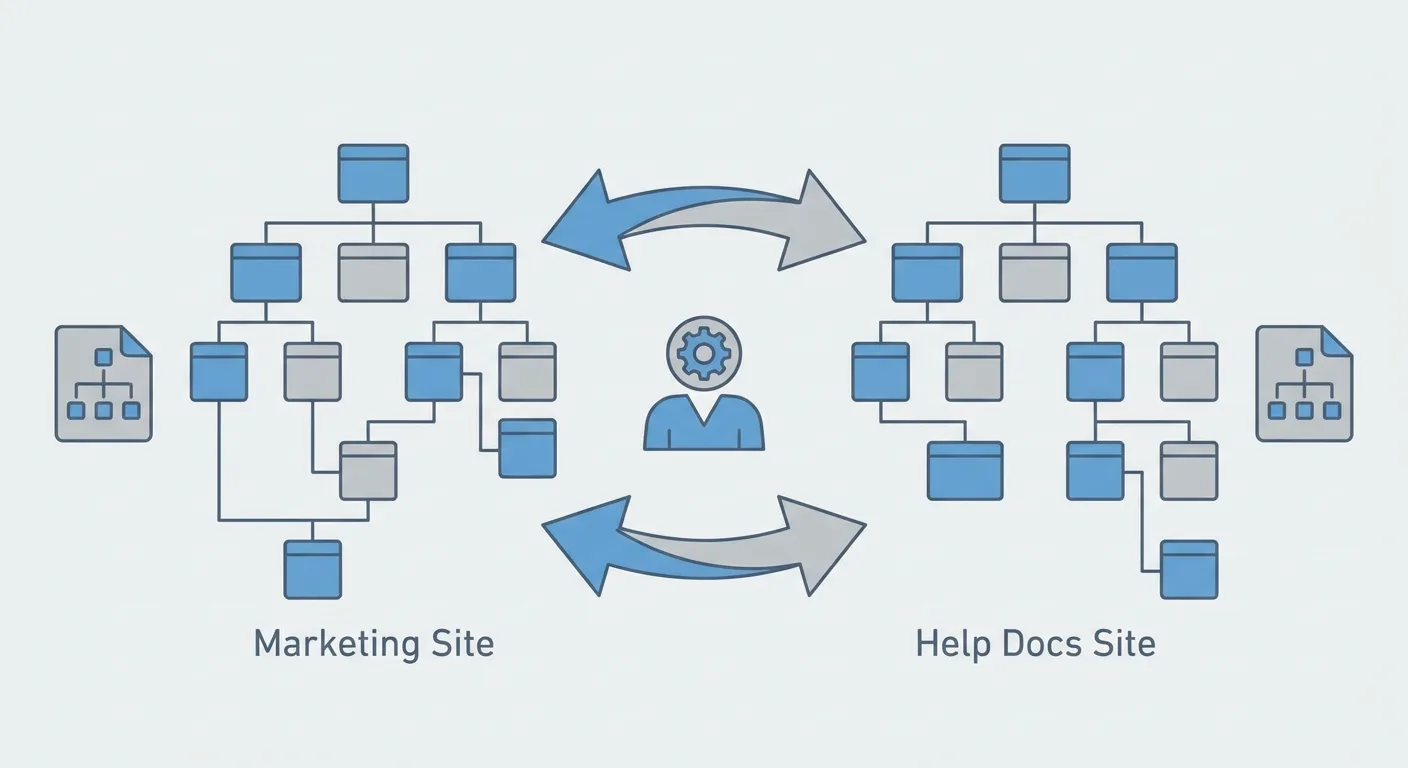
Either structure can work, because the same rules apply whatever the structure: crawlable pages, links between sections, and authority built over time (sorank.com). Link feature pages and docs both ways, submit docs sitemaps with honest lastmod values, and give one owner both page sets. Avoid moving docs purely for SEO gains, since a migration carries real redirect risk.
Final Thoughts
Product drift is the overlooked layer of SEO for SaaS, and AI answers repeat whatever your pages say. Pick one first move for this week:
- Read your pricing page side by side with the live billing screen.
- Add an “SEO impact” field to your next release ticket.
- Name one person who owns the “facts that change” list.
Choose one. This SaaS SEO guide starts paying off the moment one page is corrected.